What Is Vibe Testing? How to Test an App You Built With AI
Vibe testing means describing what your app should do and letting AI create and run the tests. How to test a vibe-coded app without reading its code.
Vibe testing is checking an app the way it was vibe coded: you describe what should happen in plain words, and AI creates and runs the tests. The tests judge what the user sees, not the code.
You built an app by talking to an AI, and it works on your screen today. Then you ask for one more change. Something that worked yesterday breaks, and you find out when a user tells you.
What is vibe coding?
Definition
Vibe coding is building an app by describing what you want to an AI and accepting the code it writes.
- You talk, the AI programs, and you judge the result by trying the app.
- Often nobody reads the code at all.
The term was coined in February 2025 by the computer scientist Andrej Karpathy, as Wikipedia's article on vibe coding recounts.People vibe code with AI coding tools such as Cursor, Claude Code and GitHub Copilot.You do not have to be a programmer to do it.
What is vibe testing?
Definition
Vibe testing is checking a vibe-coded app the same way it was built: by describing what should happen and letting AI create and run the tests.
- You say that a new user signs up and sees a welcome page, and a test proves it.
- The app is judged by what a user sees on the screen.
It suits anyone who can describe their app, whether or not they can read its code.
Why does a vibe-coded app need tests?
Three things make a vibe-coded app fragile.
- Nobody has read the code, so nobody knows what a change touched.
- Every new request rewrites parts of the app, and a feature that worked can stop working without a word.
- You test by hand only what you think of, which is usually the feature you asked for last.
The figures on what AI-written code does once it reaches users are in AI writes your code now, each with its source.
The trap: the AI that wrote the code also writes the tests
The obvious move is to ask the same AI to test its own work. It will gladly write tests. But those tests are written from the code, by the author of the code, so they agree with the code, bugs included.
You ask for a cart that adds 20 % tax. On some orders, the AI's code adds the tax twice. Then the AI writes a test that expects the number its own code produces. The test passes, and the total is still wrong.
The AI checks its own work
The total on the screen is still wrong.
An independent test of the screen
You hear about the bug before your users do.
A test written from the code can only tell you that the code does what the code does.
Why the proof has to come from outside the code is explained in how to test AI-generated code.
What makes a good vibe test?
A good vibe test has three properties.
Independent
It tests the running app through its real screen, so it does not share the code's mistakes.
Repeatable
It performs the same steps at every run, so a failure means the app changed.
Readable
It can be read by someone who cannot read code, so you know what it really checks.
| Property | Ask yourself | If the answer is no |
|---|---|---|
| Independent | Does the test look at the screen, or at the code? | It can pass while the user sees a bug. |
| Repeatable | Will it do the same steps tomorrow? | A failure may be the AI, not your app. |
| Readable | Can I see each step and what it expects? | You are trusting a test you cannot check. |
Why the second property matters so much is the subject of use AI to create the test, not to improvise every run.
Vibe testing with GUI Test Studio: describe it, get a real test
GUI Test Studio automates end-to-end tests of any app without code. Its connector lets your AI assistant do the testing for you: Claude Desktop, Claude Code, ChatGPT with Codex or VS Code. A local AI model can do it too, one we provide or one you bring.
Here is what happens when you describe a workflow.
- The assistant opens your app or your web page and performs the steps as real clicks and keys.
- After each step it adds a check of what the screen shows, a picture or a text, and tries it on the spot.
- It saves an ordinary test file that you own.
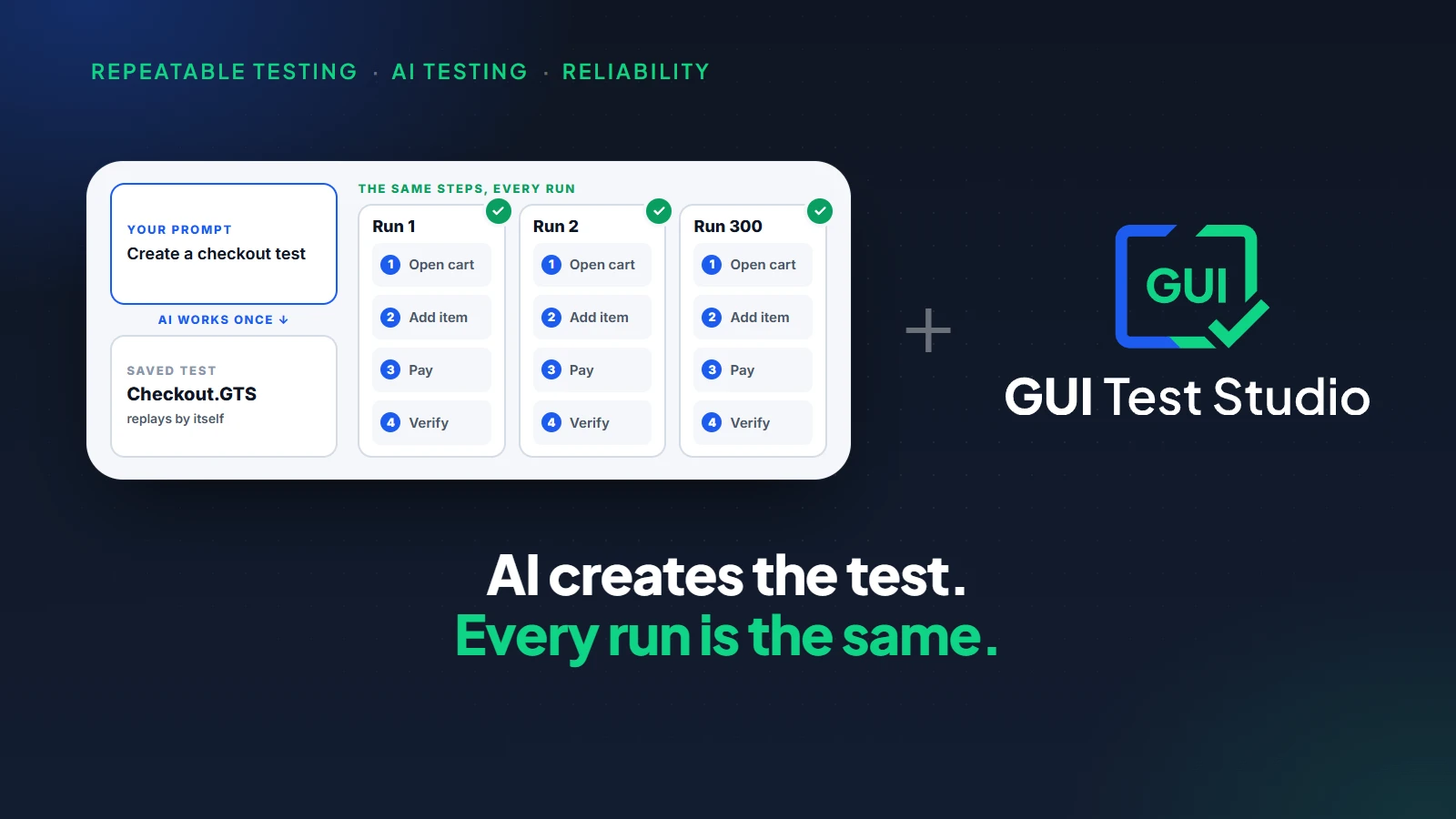
- From then on the test replays by itself, with no AI driving the app.
The checks look at the screen: the look of a button, the words of a message, a total that must be shown. GUI Test Studio compares like a human eye. It notices a wrong digit, a missing icon or a changed word, and ignores what nobody would see.
You describe
One workflow, in a sentence
The AI records
On your real screen
The test replays
After every change
The report tells
What broke, in plain words
How to vibe test your app in five steps
- 1
Write down what your app must do
List three to five things a user must always be able to do, each with its outcome: sign up and see the welcome page, add an item and see the total, pay and see the confirmation.
- 2
Connect your AI assistant
In GUI Test Runner-Recorder, click With a prompt on the home page, then click Connect on your assistant's card.With no assistant, the This computer card creates the test with a local AI model, one we provide or one you bring.
- 3
Describe one workflow
Write the request the way you would brief a tester: where to start, what to do, and what must be true at the end. Send it, and keep your hands off the mouse and the keyboard while the assistant works on your screen.
- 4
Read the verdict and the report
The assistant tells you where the test was saved and whether its run passed.The Confidence Report shows every step, what passed and what failed.
- 5
Run your tests again after every change
Each time the AI changes your app, ask the assistant to run your tests again, or run them yourself. A test that fails tells you what broke before a user does.
Every window of the second step is shown in Create a test from a prompt.
Vibe testing prompts you can copy
Replace the address, the names and the outcome with your own. Opening with the words With GUI Test Studio tells the assistant to use the testing tools and not to write a script.
- With GUI Test Studio, open my app at http://localhost:3000, sign up with the name Sam and the email sam@example.com, and verify the welcome page says "Welcome, Sam".
- With GUI Test Studio, test my to-do app at http://localhost:5173: add the task "Buy milk", mark it done, and verify it is listed under Completed.
- With GUI Test Studio, create a test for my app C:\Apps\Invoices.exe: create an invoice with three items and verify the total is shown.
- With GUI Test Studio, test the sign-up form at http://localhost:3000/signup in Chrome, Edge and Firefox and on an iPhone 15.
- I changed the checkout page. Run the Checkout test and tell me what failed.
- Why did the Checkout test fail? Show me the difference.
What makes a prompt give a good test is covered in AI test generator: from a prompt to a test that runs.
What happens when the AI breaks something?
A test fails, and the Confidence Report opens. It names the step that failed, shows what was expected beside what was found, and keeps the video of the run. With AI Smart Verification turned on, the difference is also explained in plain words.
Checkout test, after the last change
Add two items to the cart
Passed
The cart shows 2 items
Passed
The total is shown
Expected 24.00, found 28.80
The change was a mistake
Tell your AI coding tool what the report says, and let it repair the app.
The change was intended
Accept the new result in the report, in one click.
If your assistant is also the tool that writes your code, it reads the failure and repairs the app in the same conversation: see MCP server for testing.Every part of the report is explained in how to read a test report.
Can you vibe test an app if you cannot program?
Yes. Nothing in this way of working asks you to read or write code.
| What you do | What you never have to do |
|---|---|
| Describe a workflow in a sentence. | Write a test script. |
| Watch the test on a timeline, like a video. | Read the app's code. |
| Read a report with pictures. | Read error messages meant for programmers. |
| Accept an intended change in one click. | Edit files by hand. |
A founder who built the app alone with AI can test it alone too.Later, a tester can take over the same tests, because they are ordinary files.Your first test shows the whole path with pictures.
What to know before you start
| Limit | What it means |
|---|---|
| The app must be running | A test uses the real app. Start it first, or give the address where it runs. |
| The assistant uses your screen | Keep your hands off the mouse and the keyboard while it records. |
| A test checks what you described | A workflow you never described is not tested. Start with the ones your users cannot do without. |
Key takeaways
- 1Vibe testing is the testing side of vibe coding: you describe what should happen, and AI creates and runs the tests.
- 2A vibe-coded app needs tests most, because nobody has read the code and every request can break what worked.
- 3The AI that wrote the code is a poor judge of it. Its tests agree with the code, bugs included.
- 4A good vibe test is independent, repeatable and readable by someone who cannot read code.
- 5With GUI Test Studio, a sentence becomes a real test that replays by itself after every change.
Questions
What is vibe testing?
Vibe testing is checking an app by describing what should happen and letting AI create and run the tests. It is the testing side of vibe coding. The app is judged by what a user sees on the screen, not by its code.
What is the difference between vibe coding and vibe testing?
Vibe coding builds the app: you describe what you want and accept the code the AI writes. Vibe testing checks the app: you describe what should happen, and AI creates tests that prove it. One makes the app, the other tells you whether it still works.
How do I test an app I built with AI?
Test the running app from the outside, the way a user uses it. Write down the things a user must always be able to do, have a test created for each one, and run those tests after every change the AI makes. With GUI Test Studio, you describe each workflow in a prompt and your AI assistant records the test on the real screen.
Can the AI that wrote my code also test it?
It can write tests, but they are not enough on their own. Tests written from the code by the author of the code agree with the code, bugs included. Add tests that look at the running app through its screen, so they do not share the code's mistakes.
Do I need to know how to code to vibe test?
No. With GUI Test Studio you describe a workflow in a sentence, watch the test on a timeline like a video, and read a report with pictures. Nothing asks you to read or write code.
Are vibe tests reliable?
They are when the test is recorded once and then replays by itself. The same steps in the same order give the same answer at every run, so a failure means the app changed. A test that an AI improvises again at every run can take another path each time.
How often should I run the tests of a vibe-coded app?
After every change the AI makes to the app. A vibe-coded app changes a lot with each request, and a feature that worked can stop working without notice. Tests that replay by themselves cost you nothing to run again.
Which AI assistants can I use for vibe testing with GUI Test Studio?
Claude Desktop, Claude Code, ChatGPT with Codex and VS Code connect in one click. A local AI model works too: one we provide, or one you bring.
Claude, ChatGPT, Codex, VS Code, Cursor, GitHub Copilot, Chrome, Edge, Firefox, Android and iPhone are trademarks of their respective owners.