
On-premise test automation
Test automation that stays on your machines
GUI Test Studio runs on your own Windows computers.Your tests, recordings, screenshots and results are kept on your machines, and the GTS Engine + AI runs right there.AI Smart Verification can run on a local AI model too, one we provide or one you bring.
Why on-premise
Why teams keep their testing in house
A test sees everything your application shows.That is a good reason to keep it close.
Screens hold sensitive data
Test screens show customer names, prices and internal tools that should not leave the company.
Some apps only live inside
Internal web apps, desktop software and test machines on your network are out of reach of a test cloud.
Rules and audits
Regulated teams need to know exactly where every recording and every result is kept.
How it works
Tests made on your computers, the way you already test by hand
- 1
Record, or describe
Use your application as a user would, or describe the workflow in a prompt and your AI assistant does it for you.Every click, key and gesture is recorded on the real screen, with the checks of what appeared.
- 2
Verify
Visual, text, layout and group checks confirm what the user sees: the right element, the right words, in the right place.
- 3
Edit like a video
Refine the test on a timeline: move, trim, rename and group steps, with undo for everything.Or just ask the AI for the change in a prompt.
- 4
Run on every build
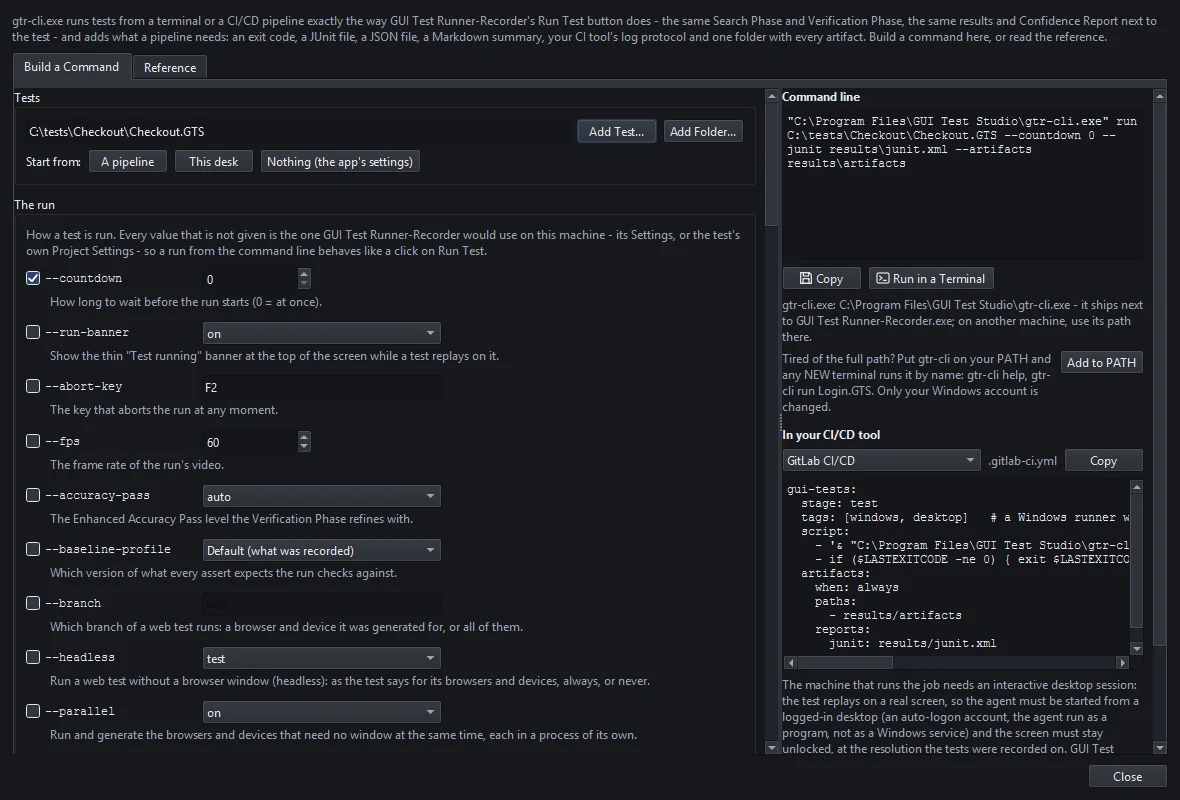
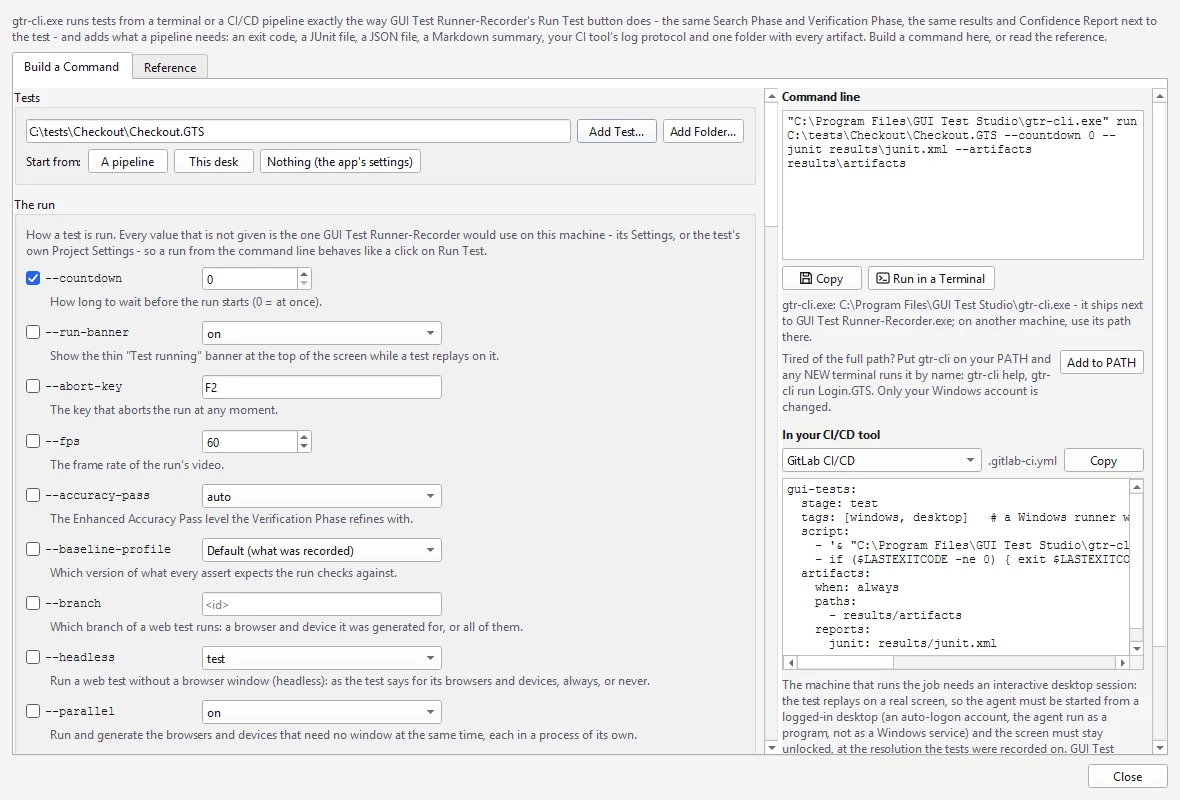
Run it from the app, or from your CI/CD pipeline with the command-line runner.
- 5
Read the report
The Confidence Report says what passed, what failed and why, in plain words, with the pictures to prove it.
How it works
Everything runs where your tests live
Runs on your computers
Record, edit and run tests on Windows computers you own, with no test cloud in between.
Your files, in your folders
A test is one file in a folder you choose, and its results are saved right next to it.
A local AI model
AI Smart Verification can run on a local AI model, one we provide or one you bring, so the screens it compares never leave your computer.
Your own build agents
The command-line runner runs tests on your own agents in Jenkins, GitHub Actions, GitLab, Azure DevOps, TeamCity and others.
Inside your network
Test internal web apps, desktop software and devices that only your network can reach.
One tool for every app
Web, desktop, phone screens, virtual machines and games, tested the same way on the same computers.
Questions
On-premise test automation, answered
Tell us about your environment and see GUI Test Studio run on it: book a free 30-minute call with our team.
Or start on your own: the guides walk you through your first test in a few minutes.
Learn more