MCP Server for Testing: Let Your AI Coding Assistant Record and Run Real End-to-End Tests
An MCP server for testing lets your AI assistant record, run and read real end-to-end tests. What to look for, and how to connect one in one click.
An MCP server for testing gives your AI assistant eyes and hands on the real app, and tools to record a test, add checks, run it and read the results. The test stays, and runs again without the assistant.
Your AI coding assistant writes a feature in minutes and says it is done. Then you open the app yourself to see whether that is true, because the assistant cannot see the screen. It can only read its own code.
What is MCP, in one sentence?
Definition
The Model Context Protocol, MCP, is an open standard that lets an AI assistant use tools from other programs.
- A program that offers its tools this way is called an MCP server.
- The assistant that uses them is the client.
The standard is public and documented at modelcontextprotocol.io.Because it is open, one server works with many assistants, and you are free to change assistants later.
What is an MCP server for testing?
An MCP server for testing is an MCP server whose tools are what a tester does. It gives the assistant two things it does not have on its own.
Eyes and hands
The assistant sees the real screen of the running app, and clicks and types on it as a user would.
A tester's tools
It records a test, adds checks, runs the test and reads what passed and what failed.
An AI assistant on its own
- Reads and writes the code
- Cannot see the screen
- Cannot click or type in the app
It says the app should work.
With an MCP server for testing
- Sees the real screen
- Clicks and types like a user
- Records a test and adds checks
- Runs the test and reads the results
It shows that the app works, or what broke.
Why does MCP testing matter when AI writes your code?
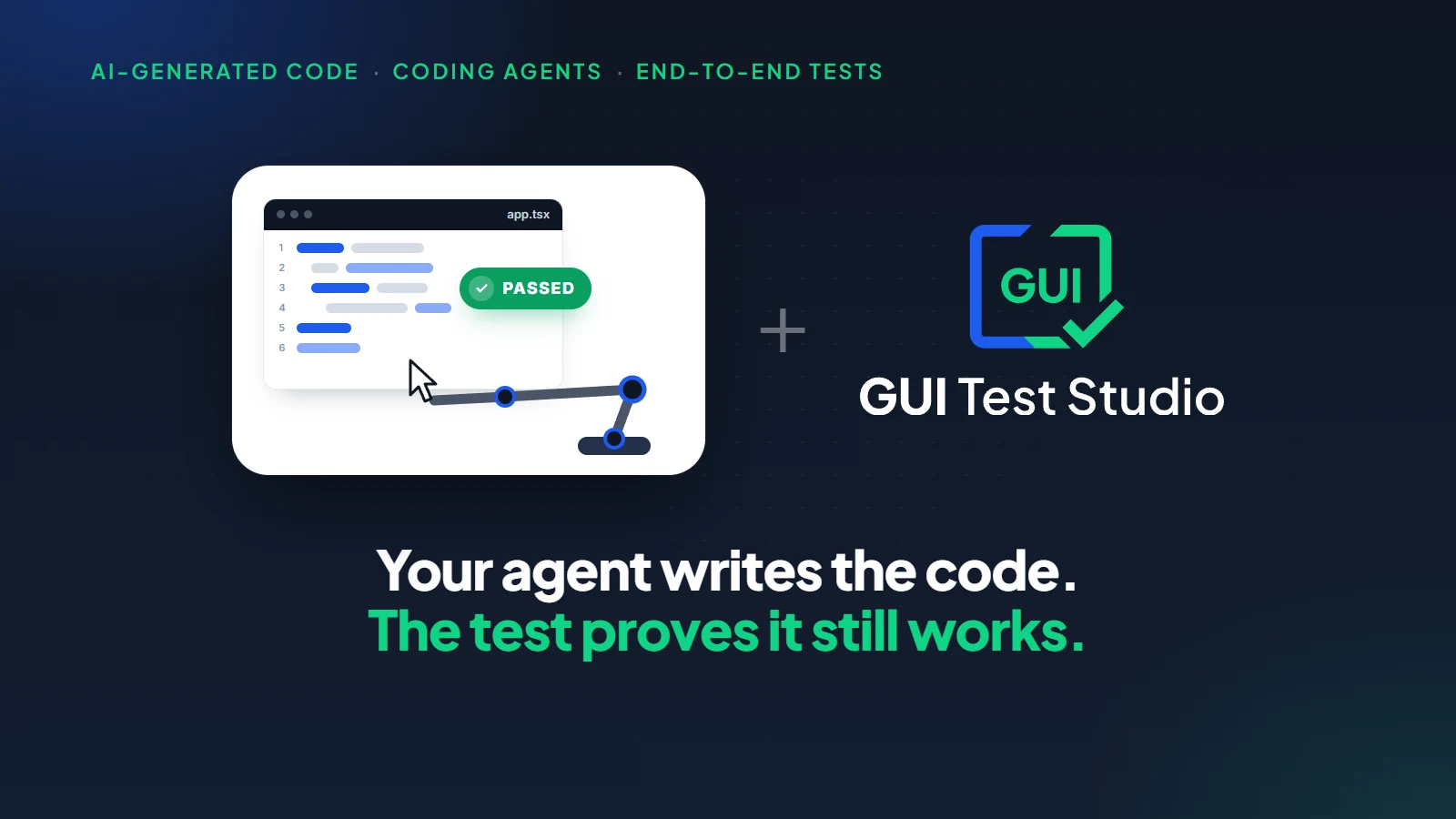
Because the assistant that writes your code can now prove, in the same conversation, that the app still works. It changes the code, runs the end-to-end test, reads the result and tells you what it found.
You
Move the coupon field above the total, then run the Checkout test.
Your AI assistant
Done. I ran the Checkout test on the real screen.
The coupon field is above the total.
The Pay button is no longer on the screen: the test failed at that step.
Shall I repair the page and run the test again?
Three things change for the team.
- You stop being the person who checks every change by hand.
- The proof is a real run on the real screen, not the assistant's word.
- The test stays after the conversation ends, so tomorrow's change is checked the same way.
An assistant with a real test no longer tells you the app should work. It tells you what it saw.
Where this sits in a team's whole process is described in development with AI agents.
What should you look for in an MCP server for testing?
Five points separate a server your team can build on from a demonstration.
| What to look for | Why it matters |
|---|---|
| It works with the assistant you already use | Your team keeps its assistant, and nobody learns a new chat. |
| It leaves tests as files that run without the assistant | A test that needs the conversation is gone when the conversation ends. |
| It asks before it overwrites | What a test expects is your decision, not the assistant's. |
| It runs in CI/CD | The test made today must guard every build tomorrow. |
| It lets you choose the AI | A cloud assistant, a local AI model that is ours or your own, or none: your screens go where you decide. |
Why these points keep you free of any one vendor is in AI test automation without vendor lock-in.
GUI Test Studio's connector: one click for the assistant you already use
GUI Test Studio automates end-to-end tests of any app without code, and it installs its own MCP server, called the connector. There is no file to edit and no key to enter.
In GUI Test Runner-Recorder, click With a prompt on the home page, or Prompt in the toolbar.The window Create or Edit a Test With a Prompt opens, with one card per assistant.
| The card | What it connects |
|---|---|
| Claude Desktop | The Claude desktop app. |
| Claude Code | The terminal, and its VS Code and JetBrains extensions. |
| ChatGPT & Codex | The ChatGPT desktop app, the Codex command line and Codex's VS Code extension. |
| VS Code | Copilot Chat in agent mode. |
| This computer | A local AI model, one we provide or one you bring. |
Each card has one button: Connect the first time, Open after that.Any other assistant that accepts an MCP server works too: Copy the Connector's Path copies what it needs.
No cloud assistant? A local AI model uses the same tools
The This computer card creates the test with a local AI model, one we provide in GUI Test Studio or one you bring.It gets the very same tools, so the test is the same kind of test.Your request and your screen stay on your computer.
What can the assistant do through the connector?
It can do what a tester does with GUI Test Studio, from the first recording to the bug report.
| You ask it to | What the assistant does |
|---|---|
| Record a test | Opens the app or the page, performs the workflow as real clicks and keys, and saves a test. |
| Verify | Adds visual, text and layout checks. Each one is tried on the spot, and refused if it could not pass. |
| Run a test | Runs a saved test and gives you the verdict. |
| Read the results | Says what each failed check expected and found, with the pictures and the AI's explanation. |
| Change a saved test | Edits it in place, after showing you the change and asking. |
| Add a check | Adds a check to a saved test, tried first on the test's own recording. |
| Accept a new look | Makes what a run found the expected result, once you agree. |
| File a bug report | Writes a PDF or an Excel report with its evidence, or a Jira issue once you confirm. |
| Cover browsers and devices | Generates a web test for other browsers, phones and tablets, and runs each one. |
| Set up CI/CD | Gives the command and the pipeline piece for your CI tool. |
The full list, with what each request becomes in the test, is in Create a test from a prompt.
How to connect your AI assistant and create a first test
- 1
Install GUI Test Studio
The connector is installed with GUI Test Studio.There is nothing else to download, no file to edit and no key to enter.Download it.
- 2
Open the prompt window
In GUI Test Runner-Recorder, click With a prompt on the home page, or Prompt in the toolbar.The window Create or Edit a Test With a Prompt opens.
- 3
Connect your assistant
Click Connect on your assistant's card.If Claude Desktop or the ChatGPT app was open, the button reads Restart and Open and does both.
- 4
Describe the test
Write what the test should do and what it should verify, or start from an example.Then click Open: your request lands in the assistant.
- 5
Let it work, then read the verdict
Keep your hands off the mouse and the keyboard. The assistant records the test on your screen, runs it, and tells you where it was saved and whether it passed.
What to ask: prompts you can copy
Write a request the way you would brief a tester. Opening with the words With GUI Test Studio tells the assistant to use the connector and not to write a test script.
- With GUI Test Studio, create a test for my app C:\Apps\Shop.exe: add a client named Atlas Textiles and verify it is listed.
- With GUI Test Studio, test the sign-up form at https://shop.example/signup in Chrome, Edge and Firefox and on an iPhone 15.
- I changed the checkout page. Run the Checkout test and tell me what failed.
- Why did the Checkout test fail? Show me the difference.
- In the Checkout test, also verify that the total is shown after step 12.
- Put the Checkout test in TeamCity.
What the assistant never does without asking you
An assistant that can act on your tests needs clear limits. The connector sets them, whatever assistant you use.
Done at once
- Record the test you described
- Run a saved test
- Read the results of a run
- Write a PDF or an Excel report
Shown to you first
- Change a saved test
- Accept what a run found as the new expected result
- File a Jira issue
- Generate a browser or a device again
Nothing is written until you say yes.
From the conversation to CI/CD: the test runs with no assistant
A test made through the connector is an ordinary test file. It replays by itself, the same steps in the same order, with no AI driving the app. gtr-cli runs it in any CI/CD tool, and a failed test fails the build.
gtr-cli run tests --junit results\junit.xmlIn the conversation
The assistant records the test
On your disk
A test file your team owns
In the pipeline
Replayed on every build
Run tests in your pipeline lists every option of gtr-cli and has examples for the common CI tools.
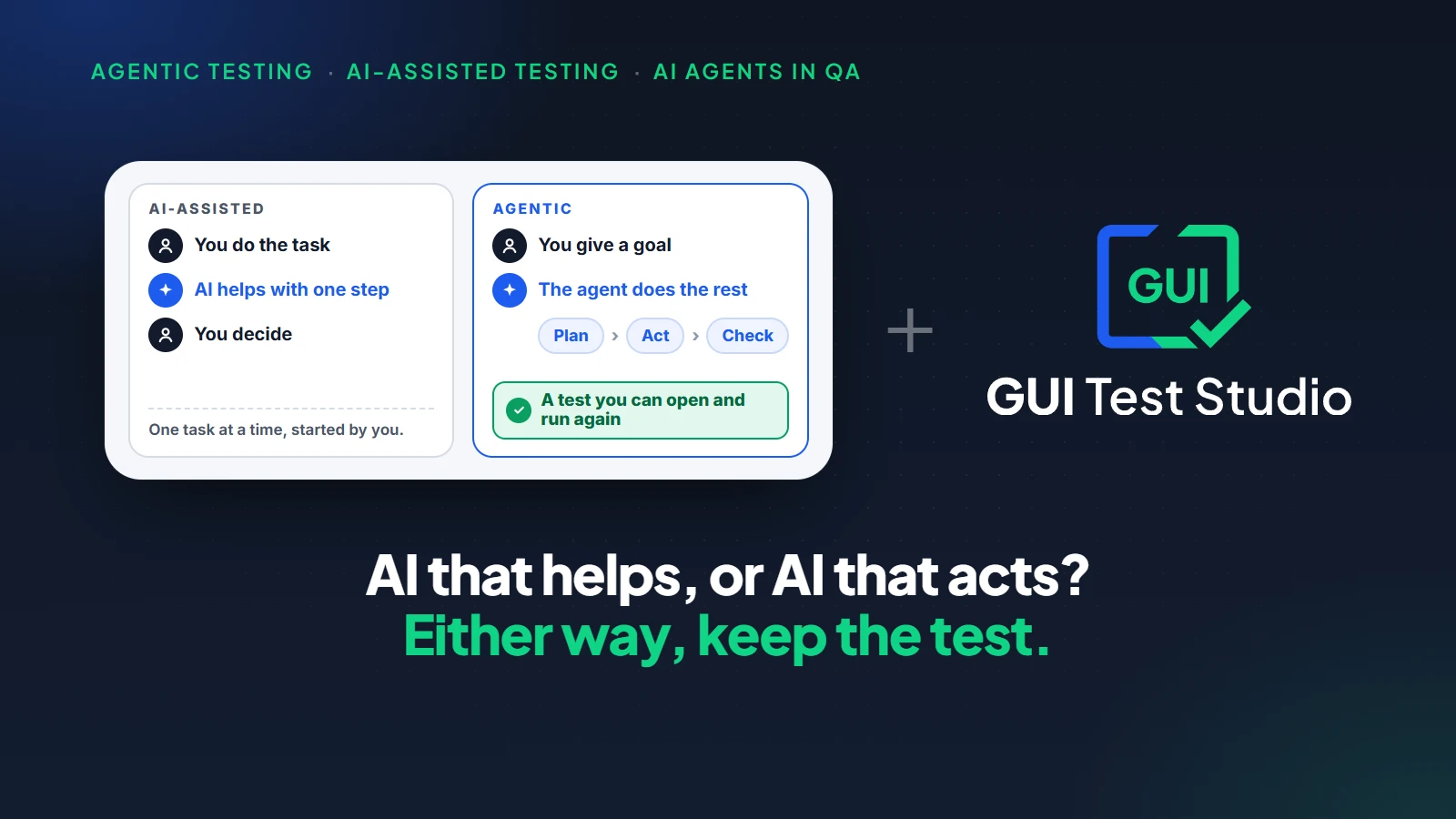
For the wider picture, see agentic testing vs AI-assisted testing.If you built your app by describing it to an AI, start with what is vibe testing.
What to know before you start
| Limit | What it means |
|---|---|
| An assistant on your computer | ChatGPT on the web and on a phone cannot reach a program on your computer. Use the desktop app, the command line or VS Code. |
| The real screen is used | Keep your hands off the mouse and the keyboard while the assistant records or runs a test. |
| A local AI model is slower | A local model, ours or your own, is best with short workflows. A cloud assistant creates long tests much faster. |
Key takeaways
- 1MCP is an open standard that lets an AI assistant use tools from other programs.
- 2An MCP server for testing gives the assistant eyes and hands on the real app, and the tools of a tester.
- 3The assistant that writes your code can prove its work, in the same conversation, with a real run.
- 4A good server leaves tests as files, asks before it overwrites, runs in CI/CD and lets you choose the AI.
- 5GUI Test Studio's connector does it in one click, and the tests run with no assistant afterwards.
Questions
What is an MCP server for testing?
An MCP server for testing is a program that gives an AI assistant testing tools through the Model Context Protocol. With it, the assistant can see the real screen of an app, click and type on it, record a test, add checks, run the test and read the results.
What is MCP?
MCP, the Model Context Protocol, is an open standard that lets an AI assistant use tools from other programs. A program that offers its tools this way is an MCP server. Because the standard is open, one server works with many assistants.
Can Claude Code run end-to-end tests?
Yes, once an MCP server for testing is connected. With GUI Test Studio's connector, Claude Code records an end-to-end test on the real screen, runs it, reads the results and tells you what failed, in the same conversation where it writes your code.
Which AI assistants work with GUI Test Studio's MCP server?
Claude Desktop, Claude Code, ChatGPT with Codex and Copilot Chat in VS Code each connect with one click. Any other assistant that accepts an MCP server can use it too. A local AI model, one we provide or one you bring, uses the same tools.
Do the tests need the AI assistant to run?
No. The assistant creates the test once, and the test is then an ordinary file that replays by itself: the same steps in the same order, with no AI driving the app. gtr-cli runs it in any CI/CD tool.
Can an AI assistant change my tests without asking?
Not with GUI Test Studio. Before it changes a saved test, the assistant shows what it is about to change and waits for your answer. Accepting a new result and filing a Jira issue wait for you in the same way.
Does MCP testing work for desktop apps, or only for web pages?
With GUI Test Studio it works for anything shown on a Windows screen: Windows desktop apps, web apps in Chrome, Edge and Firefox, and an Android phone plugged into the computer. The assistant works on the real screen, so it does not depend on how the app was built.
Can I use an MCP server for testing with a local AI model?
Yes. GUI Test Studio can create the test with a local AI model on your own computer, one we provide or one you bring. It gets the same tools as a cloud assistant. It is slower, and best with short workflows.
Claude, ChatGPT, Codex, Copilot, VS Code, JetBrains, Chrome, Edge, Firefox, Android, iPhone, TeamCity and Jira are trademarks of their respective owners.