What Is Functional Testing? Examples, Types, and How It Differs From End-to-End Testing
What is functional testing? A plain definition, its types, a worked example, how it differs from end-to-end testing, and how to automate it without code.
Functional testing checks that each function of an application does what it should: for a given input, the result is the expected one. It looks at what the app does, not at how it is built.
The people who know best what each function should do are the testers and the product owners. Yet when functional tests are written as code, they need a programmer to write them, and another afternoon of repairs each time a screen changes.
What is functional testing?
Definition
Functional testing is testing an application against what it is supposed to do.
- A tester gives a function an input, such as a click, a value or a file, and compares the result with the expected one.
- The test does not care how the code is written, only that the behaviour is right.
That is why it is often called black-box testing: the tester looks at the box from the outside.
Input
SAVE10
typed in the code field, then Apply
Expected result
$90.00
the total a 10 % discount should give
Actual result
$90.00
the total the screen shows
Expected and actual are the same: the test passes.
The expected result comes from the requirements: a specification, a user story, or the plain sentence a product owner would say. A 10 % code on a $100.00 cart gives a total of $90.00. If the screen shows anything else, the function has a bug.
Functional testing vs non-functional testing
The two answer different questions about the same feature.
| What to compare | Functional testing | Non-functional testing |
|---|---|---|
| The question | Does it do the right thing? | Does it do it well enough? |
| It is based on | The requirements: what the feature should do. | The qualities: how fast, how safe, how easy to use. |
| Examples | The discount is applied, the order is saved, the error message appears. | The page loads in time, the app holds under load, the screen works on a phone. |
| It passes when | The result is the expected result. | A measure stays within its limit. |
The types of functional testing
The types differ in two ways: how much of the application a test looks at, and when it runs.
| Type | What it checks | Who usually writes it |
|---|---|---|
| Unit testing | One function of the code, alone. | Developers |
| Integration testing | Two or more parts working together. | Developers |
| System testing | The whole application, assembled, against its requirements. | Testers |
| Acceptance testing | That the application does what the business asked for. | Testers, product owners, customers |
| Smoke testing | That a new build starts and its main features respond. | Testers, then a pipeline |
| Regression testing | That a change broke nothing that already worked. | Testers, then a pipeline |
The first four are sizes, from the smallest piece to the whole product.The last two are moments: see smoke vs sanity vs regression testing for when each runs, and what is regression testing for the longest of them.
A functional testing example: a discount code field
Take one small function of an online shop: the field where a customer types a discount code. The requirement fits in a sentence: the code SAVE10 takes 10 % off the cart. A tester turns that sentence into cases.
| Case | Input | Expected result |
|---|---|---|
| A valid code | SAVE10 on a cart of $100.00 | A message says the discount is applied, and the total reads $90.00. |
| An unknown code | SAVE99 | A message says the code is not valid, and the total stays $100.00. |
| An expired code | A code from last summer | A message says the code has expired, and the total stays $100.00. |
| An empty field | Apply, with nothing typed | A message asks for a code, and nothing is applied. |
| Small letters | save10 | The code is accepted like SAVE10. |
| The same code twice | SAVE10, then SAVE10 again | The discount is applied once only. |
One sentence of requirement, six cases. The cases nobody wrote down are where the bugs hide.
Notice that only the first case is the one a demo shows. The other five are the ones a customer finds, which is why a functional test checks what should not work as carefully as what should.
How functional testing is done, in four moves
Requirement
What it should do
Test cases
Inputs and results
Run
Do it on the app
Compare
Expected vs actual
The first two moves need someone who knows the product. The last two are the same at every build, for every case, for the life of the application. That repetition is what makes functional testing worth automating.
Functional testing vs end-to-end testing
A functional test checks one function against what it should do. An end-to-end test follows a whole workflow through the real screen, from the first click to the final result. They are not opposites: one is a kind of the other.
One function
The discount code field accepts a valid code.
One screen
The cart shows the right items, the discount and the total.
One whole workflow
A customer signs in, fills the cart, applies the code, pays and gets a confirmation.
| What to compare | A functional test of one function | An end-to-end test |
|---|---|---|
| What it follows | One function, one case. | A whole workflow, as a user goes through it. |
| What it needs | The screen of that function. | Every part the workflow crosses, working together. |
| When it fails | You know which function and which case. | You know the workflow is broken, and the report says at which step. |
| How many you keep | Many: one per case. | Few: one per workflow the business cannot lose. |
Many end-to-end tests are functional tests at the widest scope.What is end-to-end testing follows one real workflow from start to finish, and end-to-end testing vs integration testing shows what only a test of the real screen can see.
Why functional tests written as code leave testers out
Automating the six cases above usually means writing them as code, and that changes who can do it.
- A script is written by someone who programs, not by the tester who knows the function.
- Each field and button is found through a locator in the code, which breaks when the screen is reworked.
- Waiting for the new total takes wait code, or a fixed pause that is sometimes too short.
- A new expected message is an edit to code, queued behind feature work.
| What a case needs | In a coded framework | In GUI Test Studio |
|---|---|---|
| Creating it | A script per case, in a framework such as Selenium, Playwright or Cypress. | The tester does the case once while it is recorded. |
| Finding the field and the button | A locator in code, repaired when the screen changes. | Found through the app's accessibility information, or by sight. |
| Waiting for the result | Wait code, or a fixed pause. | Every check waits by itself, up to its timeout. |
| Changing the expected result | An edit to code, by a programmer. | An edit of the check's expected text, by the tester. |
The result is familiar: the cases stay manual, and they are run less and less often.Manual testing vs automated testing shows what that costs at every release.
Functional testing without code: record the function once
GUI Test Studio automates end-to-end tests of any app without code, and a functional test of one function is the shortest test it makes. Here is the first case of the discount code, from nothing to a test that runs by itself.
- 1
Put the app where the function starts
Open the cart with one item of $100.00 in it. A test replays from the state it was recorded in, so decide this starting point before you record.
- 2
Record the case once
Click Record in GUI Test Runner-Recorder. Type the code SAVE10, click Apply, wait for the new total, then press Esc to stop.
- 3
Choose what the test verifies
Answer the question What should this test verify. Leave the visual checks and the checks of what appears switched on, and switch on Verify Text so words are checked as words.
- 4
Make the expected result exact
Open the test in GUI Test Studio. Drag a Text Assert from the Assertions palette to the moment the message shows, and mark the message on the frame. Do the same for the total. Give a value that changes at every run, such as the time, a Dynamic Text Assert.
- 5
Run it and read the report
Click Run Test. The Confidence Report lists each check, with what was expected beside what was found, and says why a check failed.
- 6
Record the other cases the same way
An expired code, an empty field, the same code twice: each case is a short test of its own. The steps that open the cart can be a Scenario that every case reuses.
You can also describe the case in a prompt to your AI assistant, and the test is recorded for you: see Create a test from a prompt.Either way, the test replays by itself afterwards: no AI drives your app during a run, so the same test on the same app gives the same answer.
Which check for which expected result?
An expected result is always something the screen shows, or stops showing. Each kind has its check.
The screen after a valid code
Discount applied
Subtotal$100.00
Discount-$10.00
Total$90.00
Updated today at 14:02
Text Assert
The message says the discount is applied.
Text Assert
The total reads $90.00.
Visual Assert
The green tick is shown beside the code.
Dynamic Text Assert
The time of the change is a time, whatever its value.
| What you expect | The check |
|---|---|
| Words appear: a message, a label, a total you know | A Text Assert reads the words on the screen. |
| Words must not appear: an error message | A Text Absent Assert passes once they are gone. |
| A value that changes at every run: a date, a time, an order number | A Dynamic Text Assert checks the kind of value, not the value. |
| An element looks right: an icon, a button, a colour | A Visual Assert compares its look, the way a person would. |
| Something is gone: a spinner, a closed dialog | A Visual Absent Assert waits until it has left the screen. |
| Things stand where they belong | A Layout Assert checks the arrangement. |
Every check waits for what it expects and passes the moment it is there, so no pause has to be guessed.Choose the right check helps you pick one in a sentence, and Text checks explains the text ones in full.
Run the functional tests on every build
A functional test earns its keep when it runs again at every change. On a build machine, gtr-cli runs the recorded tests from any CI/CD tool, fails the build when a test fails, and keeps each run's report, video and pictures.
gtr-cli run tests\discount --countdown 0 --junit results\functional.xmlWhen a case fails, the Confidence Report shows the expected result beside the actual one, so the question a functional test asks is answered on one screen.How to read a test report goes through it, and Run tests in your pipeline lists the options of gtr-cli.
What to know before you start
| Limit | What it means |
|---|---|
| Through the screen only | GUI Test Studio tests what is shown on a Windows screen. It does not replace the unit tests developers write for the code itself. |
| The same starting point | A test replays from the state it was recorded in. A cart that already holds a discount makes the first case fail. |
| A test checks what it was told to check | If no check looks at the total, a wrong total passes. Each case ends on a check of its expected result. |
Key takeaways
- 1Functional testing checks what an application does: an input, an expected result, and a comparison with the actual one.
- 2Non-functional testing checks how well it does it, and comes after the function works.
- 3The types are sizes and moments: unit, integration, system and acceptance by size, smoke and regression by moment.
- 4An end-to-end test is a functional test at the widest scope: a whole workflow through the real screen.
- 5Written as code, functional tests leave testers out. Recorded with GUI Test Studio, the tester makes them and they run on every build.
Questions
What is functional testing in simple words?
Functional testing checks that each function of an application does what it is supposed to do. A tester gives the function an input and compares the result with the expected one, without looking at how the code is written.
What is the difference between functional and non-functional testing?
Functional testing checks what the application does: the discount is applied, the order is saved. Non-functional testing checks how well it does it: how fast, how safe, how usable. A feature can pass every functional test and still be too slow to use.
What are the types of functional testing?
The main types are unit, integration, system and acceptance testing, which differ in how much of the application they look at. Smoke testing and regression testing are functional too. They differ in when they run and why.
Is end-to-end testing a type of functional testing?
Mostly, yes. An end-to-end test follows a whole workflow through the real screen and checks that it does what it should, which makes it a functional test at the widest scope. It is the functional test closest to what a user really does.
What is an example of functional testing?
A discount code field is a good example. The tester types a valid code and checks that the total drops by the right amount, then tries an expired code, an unknown code and an empty field, and checks the message each one gives.
Is functional testing manual or automated?
It can be either. A new function is usually tested by hand first, while it is still changing. Once it works, its cases are worth automating, because they must be checked again at every build.
Is functional testing the same as black-box testing?
Usually, yes. A functional test is designed from what the application should do, not from its code, which is the idea of black-box testing. Unit tests are the exception: developers write them with the code in front of them.
Can functional tests be automated without writing code?
Yes. With GUI Test Studio, a tester does the case once in the application while it is recorded, then chooses what the screen must show. The test replays by itself on every build, and no test code is written or maintained.
Selenium, Playwright, Cypress and Windows are trademarks of their respective owners.
Keep reading
All articles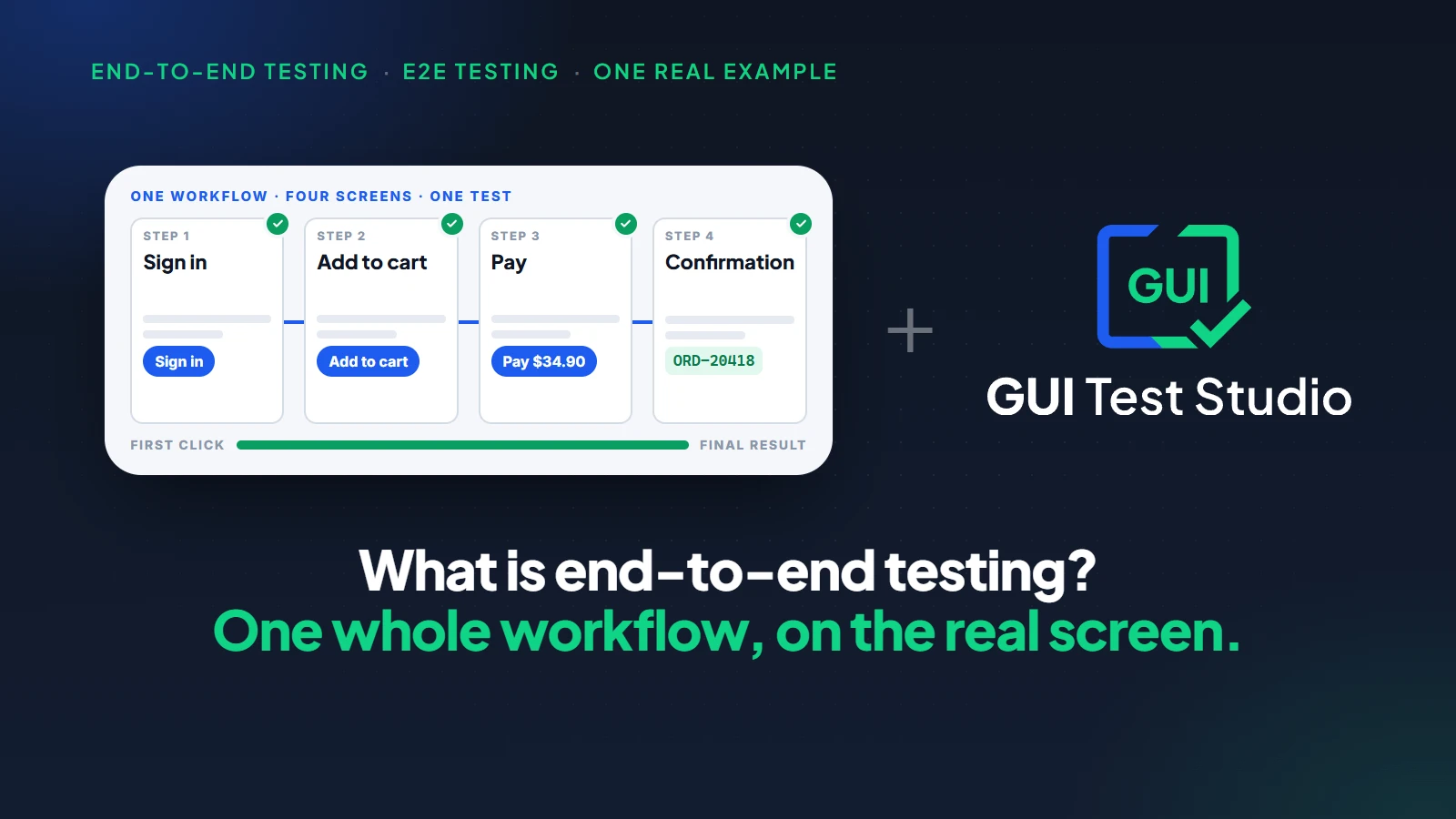
Test automation
What Is End-to-End Testing? A Plain Guide With One Real Example
10 min read
Test automation
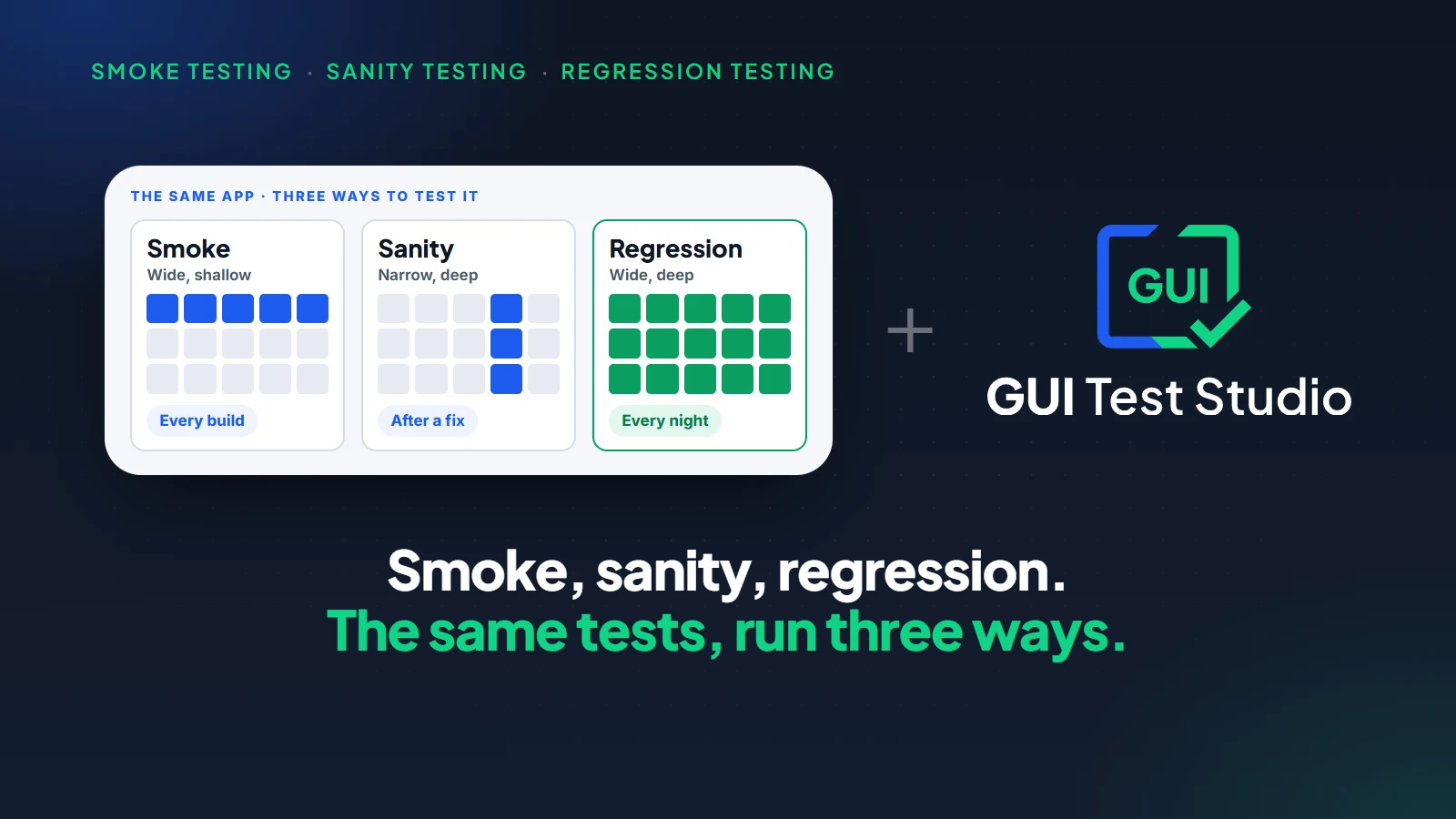
Smoke Testing vs Sanity Testing vs Regression Testing: Which One to Run, and When
9 min read
Test automation
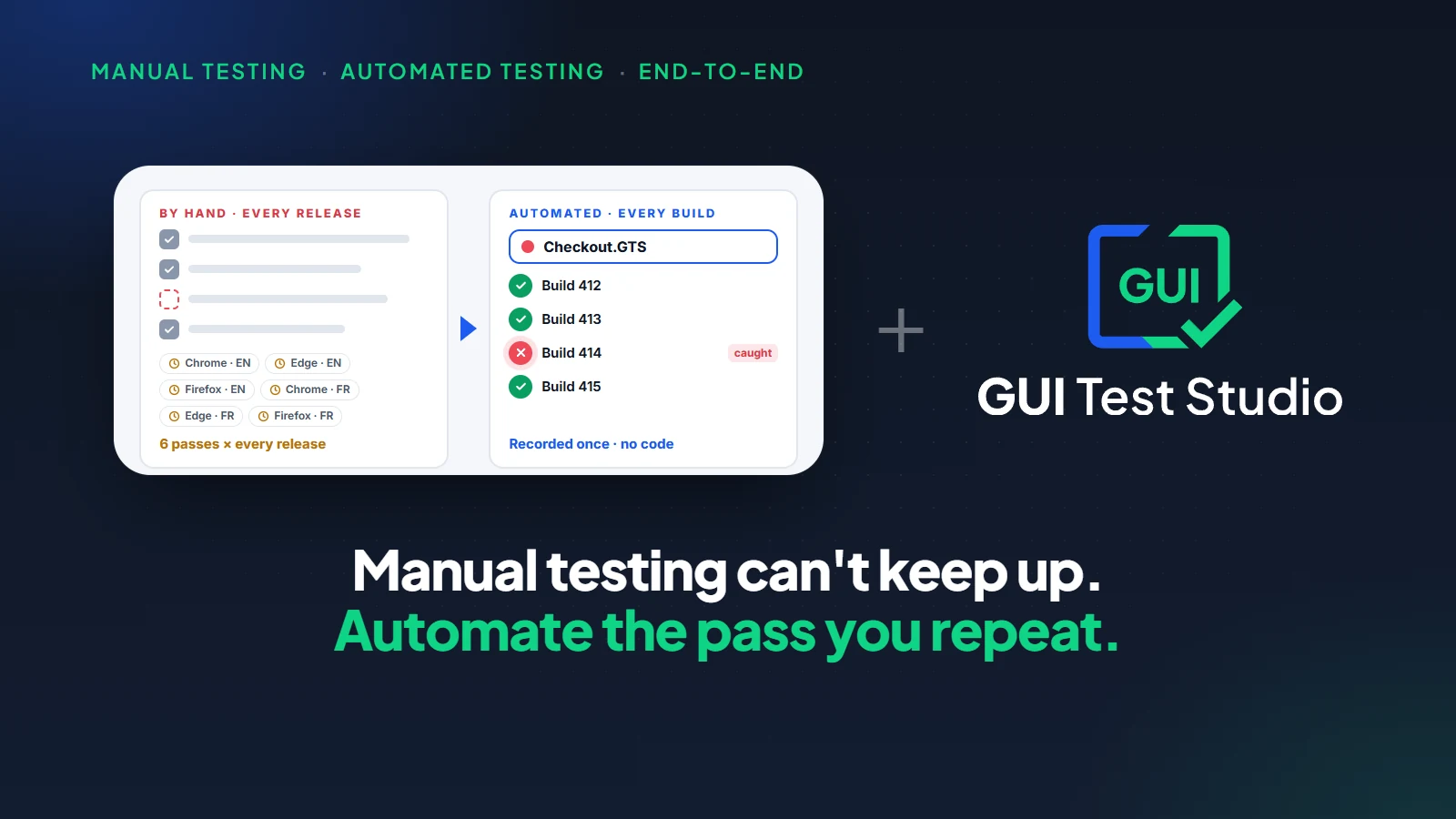
Manual Testing vs Automated Testing: Why Manual Testing Falls Short for End-to-End Tests
15 min read