AI Testing Tools: 7 Questions to Ask Before You Choose One
AI testing tools: seven questions to ask before you choose one, what a good answer sounds like, and a checklist to copy for your next demo.
The right AI testing tool for your team is the one that answers seven questions well: repeatable results, clear failures, where your data goes, your choice of AI, what you own, what it can test, and who can use it.
Every testing tool now says it has AI, and every demo looks good for ten minutes. The differences show three months later: a test that passes one day and fails the next, a bill that grows with every run, screens of your product stored somewhere you did not choose.
How do you choose an AI test automation tool?
Do not start from the list of features. Start from what goes wrong after the purchase, and ask each tool how it avoids it. For each question below you get why it matters, what a good answer sounds like, and how GUI Test Studio answers.
Seven questions for any AI testing tool
- 1The same result twice?
- 2Can you see why it failed?
- 3Where does your data go?
- 4Can you choose the AI?
- 5What do you own if you leave?
- 6Does it test all you ship?
- 7Can a tester keep it up, in CI/CD?
1. Does the same test give the same result twice?
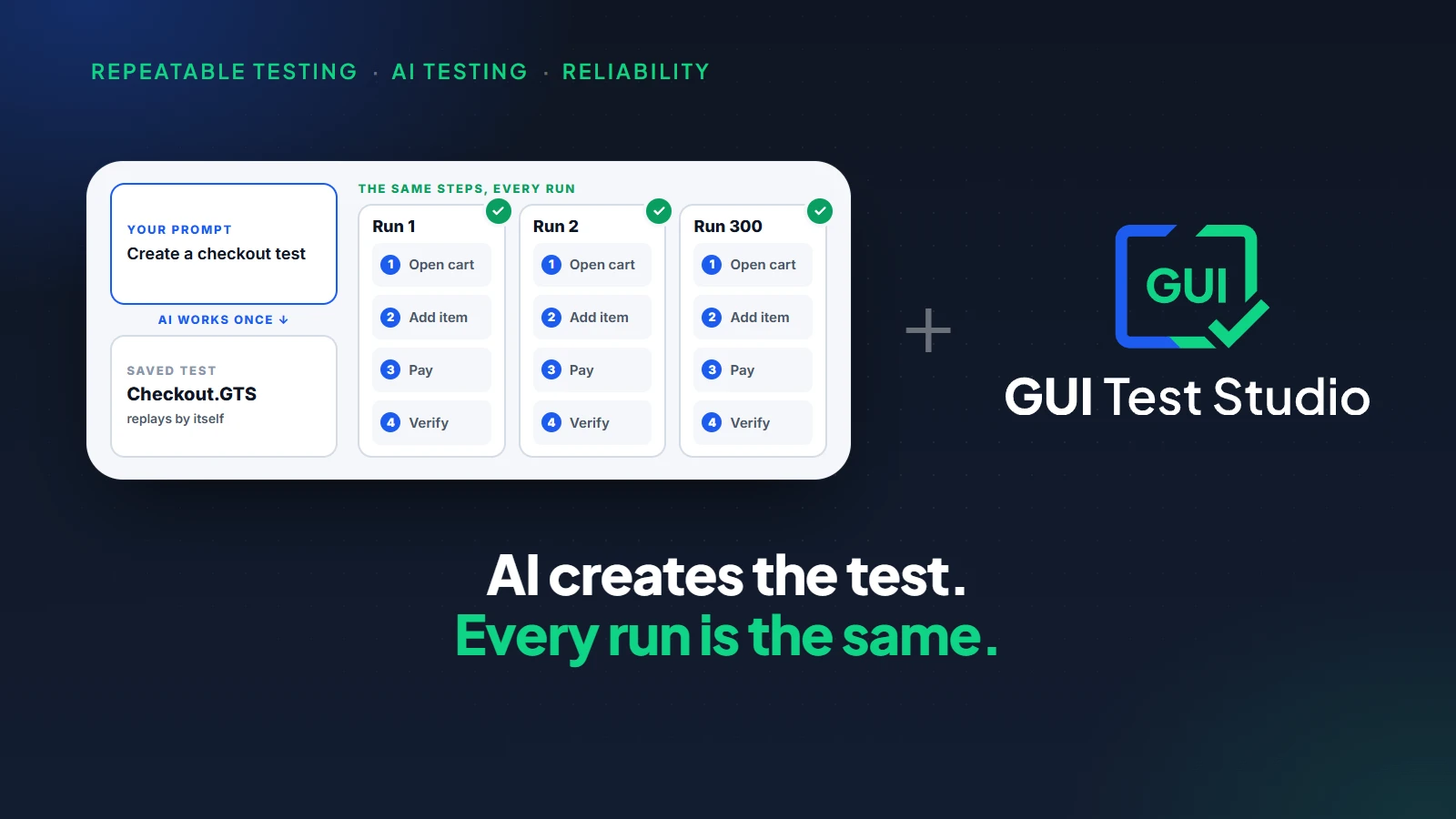
A test is a measuring tool. If it can pass and fail on the same app, a red build tells you nothing, and the team learns to ignore it. This matters most with AI, because a model can answer the same question differently twice. So ask where the AI sits: does it drive the app again at every run, or does it help create a test that then runs by itself?
A good answer sounds like
"The same steps run in the same order every time. If the result changes, your app changed."
GUI Test Studio's answer
A saved test replays the same steps at every run, and no AI drives the app. AI creates the test from a prompt and changes it when you ask. Each check is decided the same way every time.
The whole argument is in repeatable AI testing: use AI to create the test, not to improvise every run.
2. When a test fails, can you see why?
A failure nobody can explain costs more than the bug behind it. Someone has to run the test again, watch it and guess. In a demo, ask to see a failed run, not a passing one.
A good answer sounds like
"You see what was expected beside what was there, the step where it stopped, and a sentence that says what changed."
GUI Test Studio's answer
The Confidence Report opens after every run and is saved with it. A failed check shows its expected picture beside the actual one, with the run's video and the history of earlier runs. With AI Smart Verification on, a sentence says what changed in plain words.
How to read a test report walks through a failure from its first line to the decision, and the Confidence Report guide explains every part.
3. Where do your screens, recordings and data go?
An end-to-end test sees what a user sees: names, orders, invoices, sometimes patient or bank records. A testing tool holds pictures and videos of all of it. Ask where each of them is stored, who can reach it, and what an AI feature sends out.
On your computers
Files in folders you choose. A screen that passed goes nowhere.
Only if you choose a cloud AI
The two small pictures of a failed check
Sent directly to the provider you chose, with your own key.
A good answer sounds like
"Your tests, recordings and reports stay on your machines. Here is exactly what an AI feature sends, and to whom."
GUI Test Studio's answer
Tests, recordings and reports are files on your computers. AI is off until you switch it on. With a cloud AI, only the two small pictures of a failed check travel, directly to the provider you chose. With a local AI model, ours or your own, nothing leaves your computer.
What privacy rules ask of test data is the subject of data privacy in test automation.
4. Can you choose the AI, and change your mind later?
The AI inside a tool has a price, a privacy policy and an end date, and all three become yours. Next year, a company rule may forbid a cloud AI, or ask for a specific one. Ask which AI the tool can use, whether it works with none, and what a change costs you.
A good answer sounds like
"Use a cloud AI with your own key, a local AI model, ours or your own, or no AI. Switching is a setting, and your tests stay as they are."
GUI Test Studio's answer
Three choices, changed in a setting: a cloud AI with your own key, a local AI model that we provide or that you bring, or no AI at all. To create tests from a prompt, you connect the assistant you already use, such as Claude or ChatGPT with Codex.
Sovereignty over AI means the choice is yours on the first day, and still yours on the last.
The AI Smart Verification guide shows each choice, and AI sovereignty in software testing says what that control is worth.
5. What do you own if you leave?
Tests are months of work. If they live in a workspace you cannot copy, leaving means starting again, and every renewal is discussed with that in mind. Ask what is on your own disk at the end of the contract.
A good answer sounds like
"Each test is a file you can copy, back up and keep next to your code."
GUI Test Studio's answer
A test is one file that holds its steps, its pictures and its recording, in a folder you choose, with its reports beside it. A plan is priced per user, and a run costs nothing.
The plans are on the pricing page.Where lock-in hides in AI tools is covered in AI test automation without vendor lock-in.
6. Does it test everything you ship?
Many tools test a web page in a browser and stop there. Most teams ship more: a Windows desktop app, a web app that must work in every browser, a phone app, sometimes a game or an old program nobody dares to touch. Every extra tool is another purchase, another skill and another report to read. Ask the demo to test your least convenient app.
Windows desktop apps
WPF, WinForms, Qt, Electron and older apps
Web apps
Chrome, Edge and Firefox, on phone, tablet and desktop sizes
A phone
An Android phone plugged into the computer
Games
Keyboard, mouse and gamepad
A Mac or another machine
Through a remote desktop window
An app that describes nothing
Found by sight, like a person would
A good answer sounds like
"If it is on the screen, we test it, and the same kind of test covers all of it."
GUI Test Studio's answer
GUI Test Studio tests anything shown on a Windows screen. The GTS Engine + AI finds each element through the app's accessibility information first, and by sight when the app says nothing. So an app that describes nothing is tested too.
What you can test lists every kind of app, and testing a Windows desktop app without writing code starts from the most common one.
7. Can a tester who does not code keep the tests up, in your CI/CD?
A tool only developers can use leaves out the testers who know the product best. And a test that does not run in your pipeline runs when someone remembers. Ask who on your team creates a test in the first week, who updates it after a redesign, and how it reaches your builds.
A good answer sounds like
"A tester creates a test without code and updates it without code. One command runs it in any pipeline."
GUI Test Studio's answer
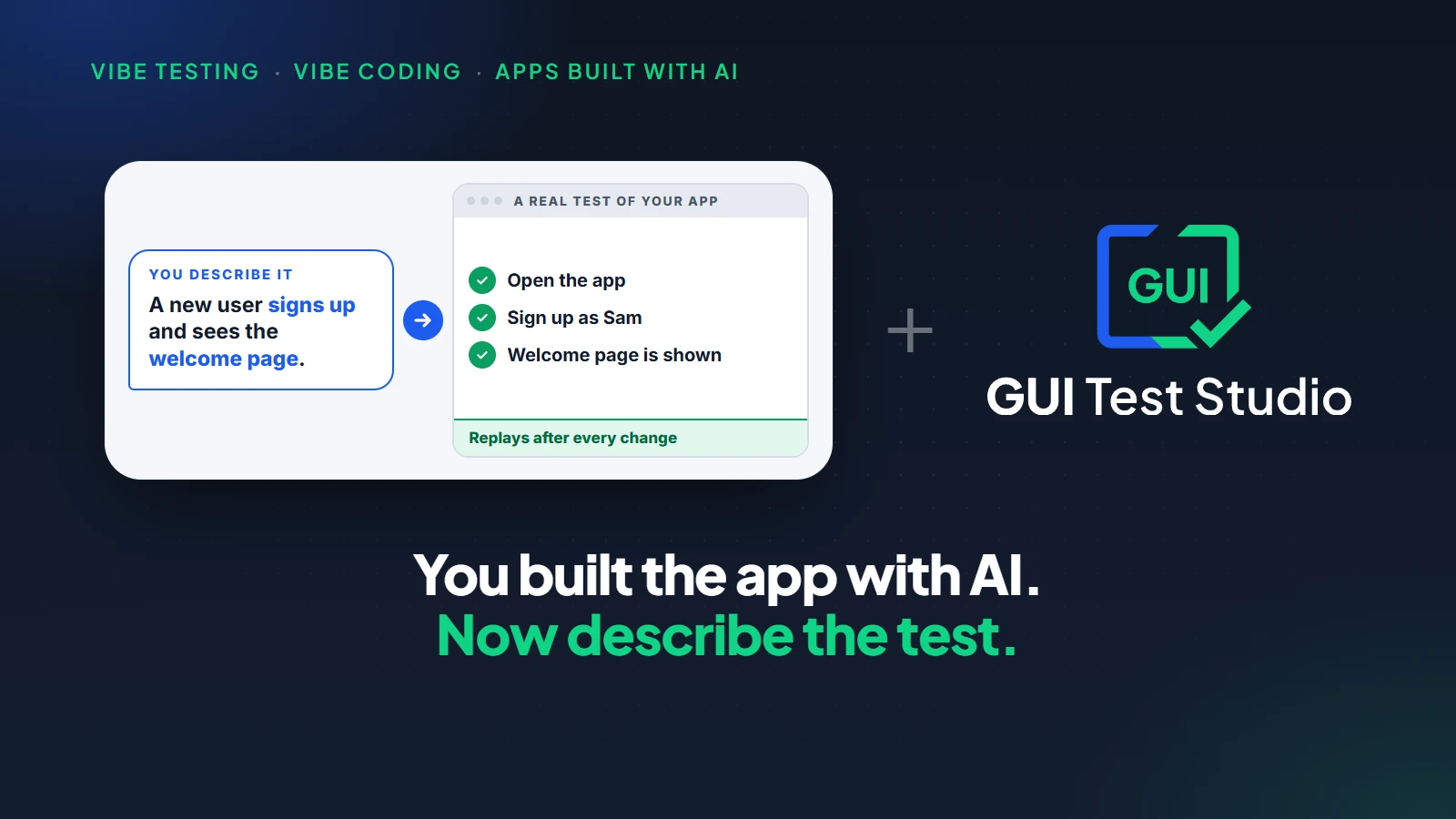
A test is created by recording the workflow, by describing it in a prompt or by importing a Figma design. It is edited on a timeline, like a video, and a new look is accepted in one click in the report. In a pipeline, gtr-cli runs the tests with any CI/CD tool and gives an exit code, a result file, and the run's video and pictures as artifacts.
How it works shows the whole path, Run tests in your pipeline lists the options of gtr-cli, and what a QA tester does when AI writes the tests looks at the role itself.
The AI testing tools checklist to copy
Here are the seven questions in one table. Copy it, and fill the last column again for every tool you look at.
| Question | A good answer | GUI Test Studio |
|---|---|---|
| 1. The same result twice? | The same steps at every run. A changed result means a changed app. | A saved test replays by itself. No AI drives the app. |
| 2. Can you see why it failed? | Expected beside actual, and what changed in plain words. | The Confidence Report, saved with every run. |
| 3. Where does your data go? | It stays on your machines, and you know what any AI feature sends. | Files on your computers. A passing screen is never sent. |
| 4. Can you choose the AI? | A cloud AI with your own key, a local AI model, or none. | All three, and a local AI model can be ours or your own. |
| 5. What do you own if you leave? | Your tests, as files you can copy. | One file per test: steps, pictures and recording. |
| 6. Does it test all you ship? | Desktop, web, phone and more, with one kind of test. | Anything shown on a Windows screen. |
| 7. Can a tester keep it up, in CI/CD? | No code to write, and one command for the pipeline. | Record, prompt or Figma. One command, gtr-cli, for any CI/CD tool. |
How to check the answers yourself in one afternoon
An answer given in a demo is a promise. The same answer seen on your own app is a fact. Six short steps are enough.
- 1
Create one test of a real workflow
Use your own app, not a demo app. Record the workflow, or describe it in a prompt, and add the checks that matter.
- 2
Run it twice
Change nothing between the two runs. The steps and the result must be the same.
- 3
Break something on purpose
Change a label or a colour in your app and run the test again. The failure must show what was expected, what was there and what changed.
- 4
Look at what is on your disk
Find the test, its recording and its report. They should be files you can copy.
- 5
Change the AI
Switch the AI off, or to another one, and run again. The test must not need to be made again.
- 6
Run it as your pipeline would
Start the test from the command line and read its exit code and its result file.
What to know before you start
A checklist is only fair if it is applied to us too. These are GUI Test Studio's limits.
| Limit | What it means |
|---|---|
| A run uses the real screen | A run moves the real mouse and types on the real keyboard, unless a web test runs without a browser window. |
| A test checks what it was told to check | It does not explore your app by itself. Each workflow that matters needs its test. |
| Local AI needs a capable computer | A local AI model, ours or your own, answers in seconds on a good graphics card, and more slowly without one. |
Key takeaways
- 1Start from what goes wrong after the purchase, not from the list of features.
- 2Seven questions cover it: the same result twice, a failure you can read, your data, your choice of AI, what you own, what it tests, who can use it.
- 3A good answer is one you can check on your own app, in an afternoon.
- 4GUI Test Studio replays a saved test, shows expected beside actual, and keeps tests, recordings and reports on your computers.
- 5The AI is your choice: a cloud AI with your own key, a local AI model, ours or your own, or none.
Questions
What is an AI testing tool?
An AI testing tool uses an AI model to help create, run or review automated tests. Some use AI to turn a description into a test, some to drive the app during each run, and some to explain a failure. Where the AI sits decides how repeatable, how private and how costly the tests are.
How do I choose an AI test automation tool?
Ask seven questions, then try the answers on your own app. Does a test give the same result twice, can you see why it failed, where does your data go, can you choose the AI, what do you own if you leave, does it test everything you ship, and can a tester who does not code keep the tests up in your CI/CD?
Are AI testing tools reliable?
They are reliable when the AI does not improvise the run. A test that AI created once and that then replays the same steps gives the same answer every time. A test whose steps an AI chooses again at each run can pass and fail on the same app.
Do AI testing tools send my screens to the cloud?
Some do, so ask what is sent, to whom and under whose account. With GUI Test Studio, tests, recordings and reports are files on your computers. If you choose a cloud AI, only the two small pictures of a failed check travel, directly to the provider you chose, with your own key.
Can I use my own AI model with a testing tool?
With GUI Test Studio, yes. You choose a cloud AI with your own key, a local AI model that we provide or that you bring, or no AI at all, and you can change your mind in a setting. The tests stay as they are.
What happens to my tests if I stop using a testing tool?
It depends on where they live, so ask before you start. If the tests are files on your computers, they stay with you. With GUI Test Studio, each test is one file that holds its steps, its pictures and its recording, in a folder you choose.
Can a tester who does not code use an AI testing tool?
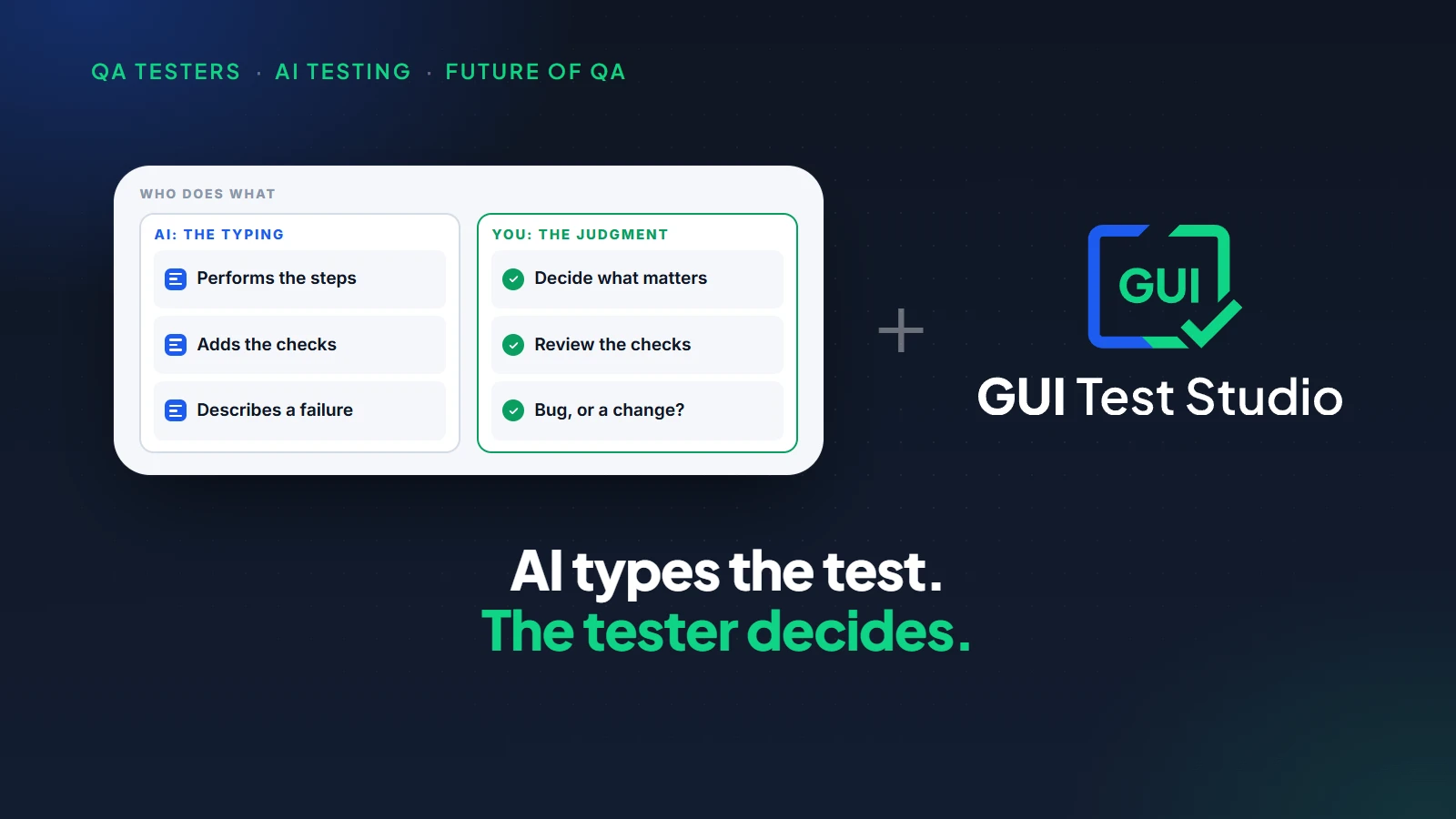
With the right tool, yes. In GUI Test Studio, a tester records the workflow, describes it in a prompt or imports a Figma design, then edits the test on a timeline, like a video. No code is written at any point.
Do AI testing tools work for Windows desktop apps?
Many test web pages only, so ask for a demo on your own app. GUI Test Studio tests anything shown on a Windows screen: Windows desktop apps, web apps in Chrome, Edge and Firefox, an Android phone plugged into the computer, and games.
Claude, ChatGPT, Codex, Chrome, Edge, Firefox, Android, Mac, Figma and Windows are trademarks of their respective owners.