Manual Testing vs Automated Testing: Why Manual Testing Falls Short for End-to-End Tests
Manual testing vs automated testing: where manual end-to-end checks fall short, what stays human, and how QA testers automate a test case without code.
Manual testing is a person checking an app by hand; automated testing replays a test without one.For functional and end-to-end checks repeated every release, manual testing falls short: it is slow, varies between testers and cannot run on every build.
This is not an article against manual testers.The best testers find bugs no script would look for.The problem is the other part of the job: walking through the same forms, the same menus and the same checkout, release after release, in every browser and every language.That part does not scale, and it was never a good use of a tester's attention.
Manual testing vs automated testing: the difference
Definition
Manual testing is a person running the steps of a test and deciding by eye whether the app behaves as it should.
- Automated testing is a test that replays those steps by itself and checks the result, the same way every time.
- Functional testing checks that a feature does what it should, and end-to-end testing checks a whole workflow through the interface, the way a user goes through it.
Both can be done by hand or automated, and the right answer depends on how often the check is repeated.
If regression testing is new to you, what is regression testing explains why the same checks come back after every change.
What manual testing still does best
A fair comparison starts with what people do better than any test, and that list is real.
Some testing needs a person, and always will.
Exploratory testing finds what nobody thought to write down, because a curious tester tries what a user might try.
Usability and design reviews judge whether a screen is clear, which no check can decide on its own.
Judgement decides what matters: which bug blocks the release, and which one can wait.
DORA, the research program behind the State of DevOps reports, says the same.Its page on test automation recommends keeping manual activities such as exploratory testing and usability testing, and says that testers and QA teams continue to have an important role.
Automation does not replace testers.It takes the repeated checks off their hands, so they can do the testing only a person can do.
The limitations of manual testing for end-to-end tests
Manual testing works well for a check you run once.These are the disadvantages that appear when the same functional and end-to-end checks come back at every release.
It does not scale with releases, or with AI-written code
A manual regression pass is as long as the list of scenarios, and the list only grows.Every feature adds checks, and almost none are ever removed.
AI coding assistants make the gap wider.In its 2026 report, Faros AI found that the share of AI-generated code developers accept rose from 20% to 60%, and that each developer merges 16.2% more pull requests, comparing low and high AI adoption across 22,000 developers.More changes reach the testers every week, while a person still checks at the same speed.
How to test AI-generated code looks at that problem in detail.
Repetition makes people miss things
People see what they are looking for.On the twentieth pass through the same form, a tester checks the field the test case names and misses the logo that disappeared beside it.
Experts are no exception.In a 2013 study published in Psychological Science, researchers asked 24 radiologists to look for lung nodules in scans, and put a gorilla 48 times the size of a nodule into the last one.83% of them did not see it, and eye tracking showed that most of those looked straight at it.
Careful inspection has a ceiling too.In a study of 82 trained inspectors published in Human Factors in 2015, they caught 85% of the defective parts, close to the 80% average the authors give for industry.About one defect in seven got through, from people whose job was to find it.
Every browser, device and language multiplies the work
A web app checked in Chrome is not checked in Firefox.A screen checked in English is not checked in German, where every label is longer.By hand, each browser, each screen size and each language is one more full pass, so a team either multiplies its hours or quietly checks only one combination.
Cross-browser testing from one recording shows how one web test becomes a version for each browser, device and language.
It cannot run on every build
A developer can build ten times a day; a tester cannot check ten times a day.So manual checks happen at the end of a sprint, and a bug found on Thursday was written on Monday.DORA's test automation page puts it plainly: manual regression testing is time-consuming to execute and expensive to perform, which makes it a bottleneck, and developers cannot get quick feedback.
It leaves little evidence
At the end of a manual pass, the record is a list of ticks, and sometimes a screenshot of a failure.Nobody can see later what the screen looked like on the steps that passed, or compare this release with the last one.When a bug report says "it worked yesterday", there is nothing to prove it either way.
It varies from tester to tester
A test case says "check the order summary".One tester reads the total, another reads every line, a third also checks the date.Each one is right, and each pass checks something different.The same tester on a Friday afternoon is not the same tester on a Monday morning either.
Its cost grows with every release
A manual check costs the same hours every time it is run, forever.An automated test costs time once to create and some upkeep when the app changes on purpose, then runs for nothing more than machine time.The longer a product lives, the wider the difference.
Why manual regression testing takes too long
The multiplication is easy to underestimate, so here it is with round numbers.Take a modest web app with 40 scenarios worth checking before a release, at about ten minutes each by hand.
| What is checked by hand | Time per release |
|---|---|
| 40 scenarios, one browser, one language | About 6 hours and 40 minutes |
| The same, in Chrome, Edge and Firefox | About 20 hours |
| The same, in two languages | About 40 hours: a full week of one tester |
| With a release every week | One tester who does nothing else |
These numbers are an illustration, not a survey: your scenarios may take five minutes or thirty.The shape is what matters.Every browser, language and release multiplies the hours, while the number of testers stays the same.
By hand, every release
Release 1
Release 2
Release 3
Six passes of ten minutes: one hour for one scenario, at every release.
Automated, every build
Checkout.GTS
Recorded once, run in every browser and language you chose
- Build 412
- Build 413
- Build 414The break is caught the day it came in
- Build 415
No hands on the keyboard, and a report for every run.
This is why manual regression testing becomes the bottleneck of a release.The team waits for the pass, or ships without finishing it.
Manual vs automated testing, task by task
The fair answer is not "automate everything".Each kind of task has a better way to do it.
| Task | By hand | With an automated test |
|---|---|---|
| Exploring a new feature | Better: a person tries what nobody planned | Checks only what was described |
| Judging usability and design | Better: it takes human judgement | Confirms what was decided, not whether it is good |
| A one-off check of a fix | Fine: it will not be repeated | Worth it only if the bug could come back |
| The same workflow every release | Slower every release, and attention drops | Better: the same steps and checks every time |
| Every browser, device and language | One more full pass for each | Better: one test, a run for each |
| Feedback after a change | Days later, at the end of a sprint | Better: minutes after the build |
| Evidence of what happened | Ticks and the odd screenshot | Better: pictures, a video and a history of runs |
| The same result from anyone | Depends on the tester and the day | Better: identical on every run |
When to automate tests, and when to keep them manual
Automate a test when it will be run again.
- A workflow your team checks before every release, such as signing in, searching or paying, is the first candidate.
- A check repeated in several browsers, screen sizes or languages is next, because every combination multiplies the work.
- A bug that reached users once deserves a test, so it never comes back unnoticed.
- A smoke test of the main screens belongs on every build.
Keep a check manual when it needs a person.
- A feature that still changes every day is cheaper to check by hand until it settles.
- A usability or design review needs human eyes.
- A check you will only run once is not worth a test.
Why QA teams did not automate sooner
If automation is better for repeated checks, why do so many teams still run them by hand?Mostly because of what automation has meant until now: code.
In coded frameworks such as Playwright, Selenium, Cypress, Appium or WinAppDriver, a test is a program.Someone writes it in a programming language, finds every element with a selector, and fixes those selectors when the page changes: Playwright's own documentation warns that CSS and XPath selectors can break when the structure of the page changes.
| What it takes | A coded framework | GUI Test Studio |
|---|---|---|
| Who creates the test | A person who writes code | The tester who knows the scenario |
| How it is created | A script, written line by line | A recording of the scenario, or a prompt |
| What you keep up to date | Selectors, waits and the code around them | Nothing to keep, until the app changes on purpose |
| A check of how the screen looks | Extra code or another tool | Part of every test |
So the manual test case stayed manual: the person who knew it best could not automate it, and the person who could was busy elsewhere.When suites were written anyway, upkeep and flaky results often wore them down, as flaky tests and false positives explains.
How to turn a manual test case into an automated test
GUI Test Studio, which automates end-to-end tests on Windows, was built for the person who already knows the scenario.You do the test once, the way you do it by hand today, and it becomes a test that runs by itself.It works with desktop apps, web apps, games and Android phones.
Record
Or describe it in a prompt
Verify
Choose what it checks
Run
On every build
Read
Pictures, video, verdict
- 1
Pick a test case you repeat every release
Start with a workflow your team checks by hand before every release, such as signing in, searching or placing an order.The more often it is repeated, the sooner the automated test pays off.
- 2
Write down its starting point
A test replays exactly what you did, from exactly where you started.Note the screen, the account and the data the scenario starts from, and put the app back there before every run.
- 3
Record it once, or describe it in a prompt
Click Record in GUI Test Runner-Recorder and do the scenario yourself, at a normal pace.Or paste the steps of the manual test case into a prompt, and your AI assistant performs them through GUI Test Studio and saves the test.
- 4
Choose what it verifies
When the recording stops, the app asks what this test should verify: visual elements, text, and what appears on the screen.The checks are created when the test is saved, one for each element you used.
- 5
Run it once, then polish it
Put the app back where the test starts and click Run Test.Then open it in GUI Test Studio to name the important steps, add a check the recording did not make, or adjust a wait.
- 6
Run it on every build
Add gtr-cli, the command-line runner, to your pipeline.It runs the test like the Run Test button and gives your CI tool an exit code and a JUnit file.
- 7
Read the report when it fails
Each run writes a Confidence Report: the verdict, every step, and for each failed check the expected picture beside what was found, with the run's video.
Recording: the manual test case, done once
A recording is the manual pass, done one last time.Click Record, choose the screen, an app, a web app, an area or a phone, and do the scenario as a user would.Press the stop key when you are done.Record a test shows every step, and your first test walks through a practice page in a few minutes.
A prompt: the test case, written as you already write it
If your test cases are already written down, a prompt may be quicker.Paste the steps into the Create or Edit a Test With a Prompt window and send them to your AI assistant: Claude, ChatGPT with Codex, or a local AI model, one we provide or your own.The assistant performs the steps through GUI Test Studio, checks what you asked for, and saves the test.See create a test from a prompt.
Open the shop, search for "desk lamp", add the first result to the basket and check that the basket shows one item at the right price.Pasted as it is, that is a prompt.The assistant does the steps, adds a check of the basket, and saves the test.
Choosing what it verifies
A manual tester decides what to look at.So does the recording: when it stops, it asks what this test should verify.Verify Visual Elements checks every element you clicked or typed into, Verify Text checks the words, and Verify What Appears checks the menus, dialogs and messages that show up without a click.What to verify explains each choice.
Each check is about what the user sees, not about how the app is built.To find each element, the GTS Engine + AI asks the application first, and finds the element by sight when the application does not say.There is no selector to write or to keep up to date.
Running it on every build
gtr-cli, the command-line runner, runs a test exactly like the Run Test button and adds what a pipeline needs: an exit code, a JUnit file and every piece of evidence of a failure in one folder.It works with any CI/CD tool.Run tests in your pipeline lists every option.
gtr-cli run tests --junit results\junit.xmlWhat an automated run gives back
This is where an automated test answers the weakest point of a manual pass.Every run writes a Confidence Report, kept with the test.
A manual pass ends with ticks; a run ends with proof.
The verdict says how the run ended and, when it failed, at which step and which check.
Each failed check shows the expected picture beside what was found, with the area that changed lit up.
The run's video shows every step, including the ones that passed.
The history compares this run with the earlier ones, so you can see when a check started to fail.
From there, Bug Report turns a failure into a filled-in report or a Jira issue with the pictures attached.The Confidence Report guide shows how to read it.
Is manual testing dead?
No, and it should not be.What is ending is manual regression testing: the same scripted checks, walked through by hand, release after release.The testers who did that work are the ones who know which scenarios matter, which is exactly what an automated test needs.
With the repeated checks automated, a QA team spends its time on exploratory testing, on new features and on the questions only a person asks.The tests run on every build, and the testers review what they found.
New to the tool?Getting started with GUI Test Studio shows a first test from start to finish.
Key takeaways
- 1Manual and automated testing do different jobs: people explore and judge, automated tests repeat the same checks the same way every time.
- 2Manual functional and end-to-end checks fall short when they are repeated: they get slower with every release, browser and language, and they cannot run on every build.
- 3Repetition makes people miss things: even experts miss what they are not looking for, and the same test case is checked differently by two testers.
- 4Code kept many QA teams from automating: in a coded framework, a test is a program with selectors to write and maintain.
- 5GUI Test Studio turns the manual scenario into a test: record it once or describe it in a prompt, run it on every build with gtr-cli, and read a report with pictures and video.
Questions
What is the difference between manual testing and automated testing?
In manual testing, a person runs the steps and decides by eye whether the app is right.In automated testing, a test replays the steps and checks the result by itself, the same way every time.Manual testing brings judgement, automated testing brings repetition at scale.
What are the disadvantages of manual testing?
It is slow, and it gets slower with every release, browser and language.Repetition makes people miss things, two testers rarely check exactly the same way, and a manual pass leaves little evidence behind.It also cannot run on every build, so a bug is found days after it came in.
Is manual testing dead?
No.Exploratory testing, usability testing and judgement stay human, and DORA's research recommends them alongside automation.What is fading is manual regression testing: running the same scripted checks by hand, release after release.
When should you automate a test?
Automate a test you will run again: a workflow checked every release, on every browser or in every language, or a bug that must never come back.Keep a check manual when it needs judgement, when the feature still changes every day, or when it will only ever run once.
Why automate regression testing?
Because regression testing is the same check repeated after every change, which is exactly what people do worst and machines do best.DORA calls manual regression testing time-consuming, expensive and a bottleneck.An automated regression test runs on every build and says within minutes what a change broke.
Can a manual tester automate tests without coding?
Yes.In GUI Test Studio, you record the test by doing the scenario yourself, or describe it in a prompt to an AI assistant.There is no script to write and no selector to maintain, and the checks are chosen after the recording.
Which tests should stay manual?
Exploratory testing of a new feature, usability and accessibility reviews with real people, and one-off checks you will not repeat.These need a person who notices what nobody planned.Everything that is checked the same way again and again is a candidate for automation.
How do I turn a manual test case into an automated test?
Take a test case you repeat every release, write down its starting point, then record it once in GUI Test Studio or paste its steps into a prompt.Choose what it verifies, run it once to see it pass, and add it to your pipeline with gtr-cli so it runs on every build.
Playwright, Selenium, Cypress, Appium, WinAppDriver, Chrome, Edge, Firefox, Claude, ChatGPT, Codex, Jira and Windows are trademarks of their respective owners.
Keep reading
All articles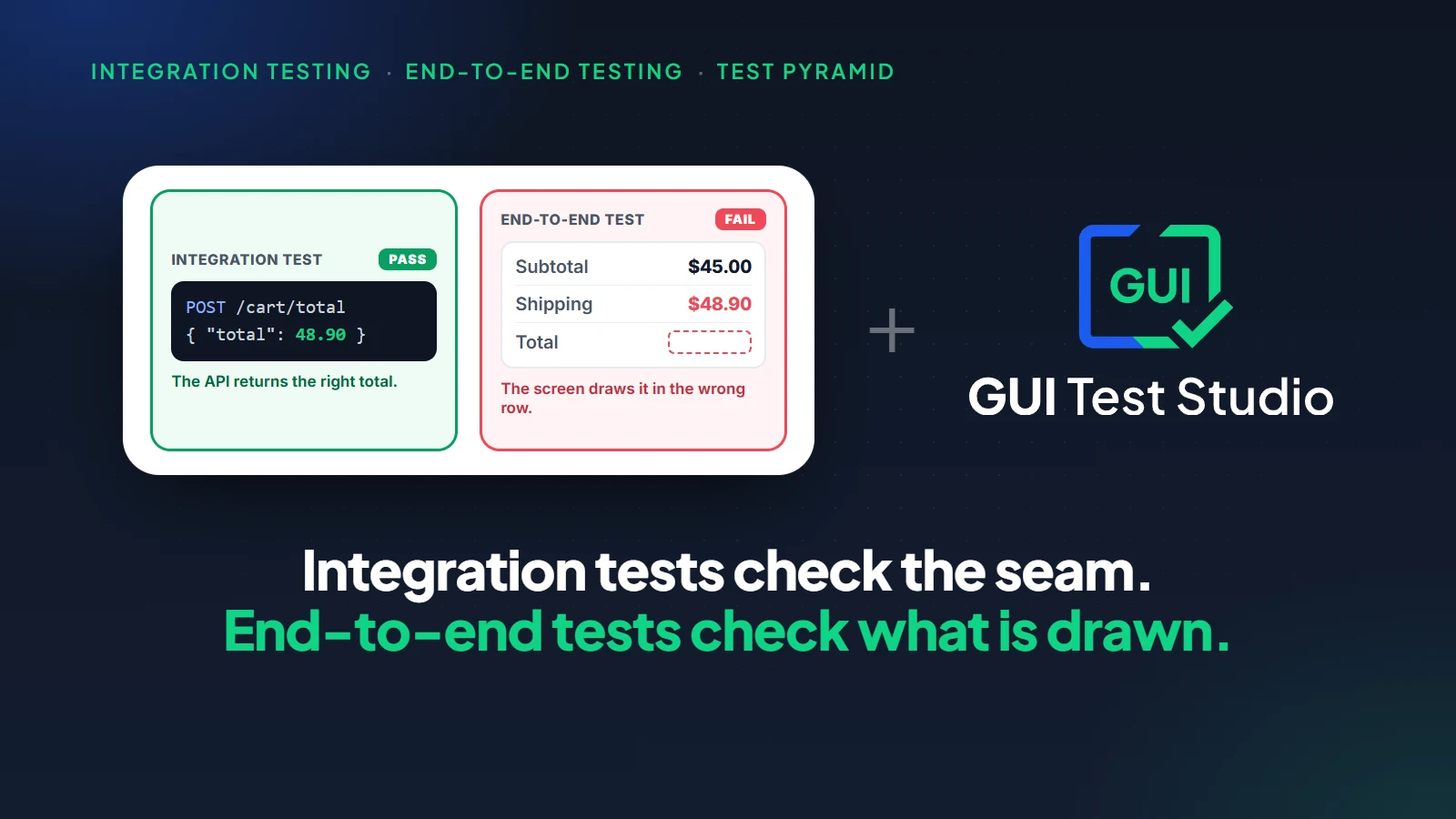
Test automation
End-to-End Testing vs Integration Testing: What Each Catches (With Examples)
10 min read
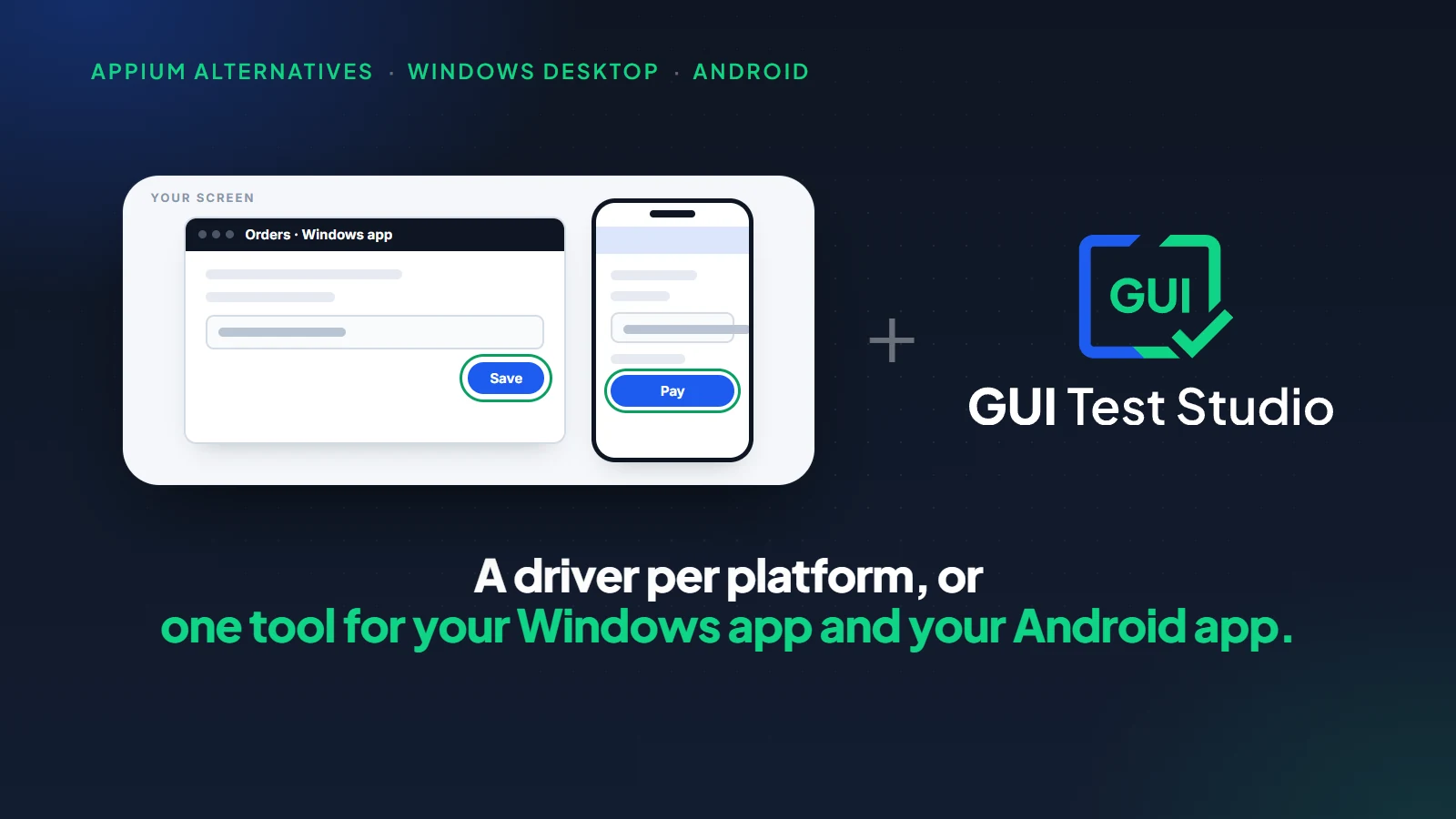
Test automation
Appium Alternatives for Windows Desktop and Android Apps (2026)
10 min read
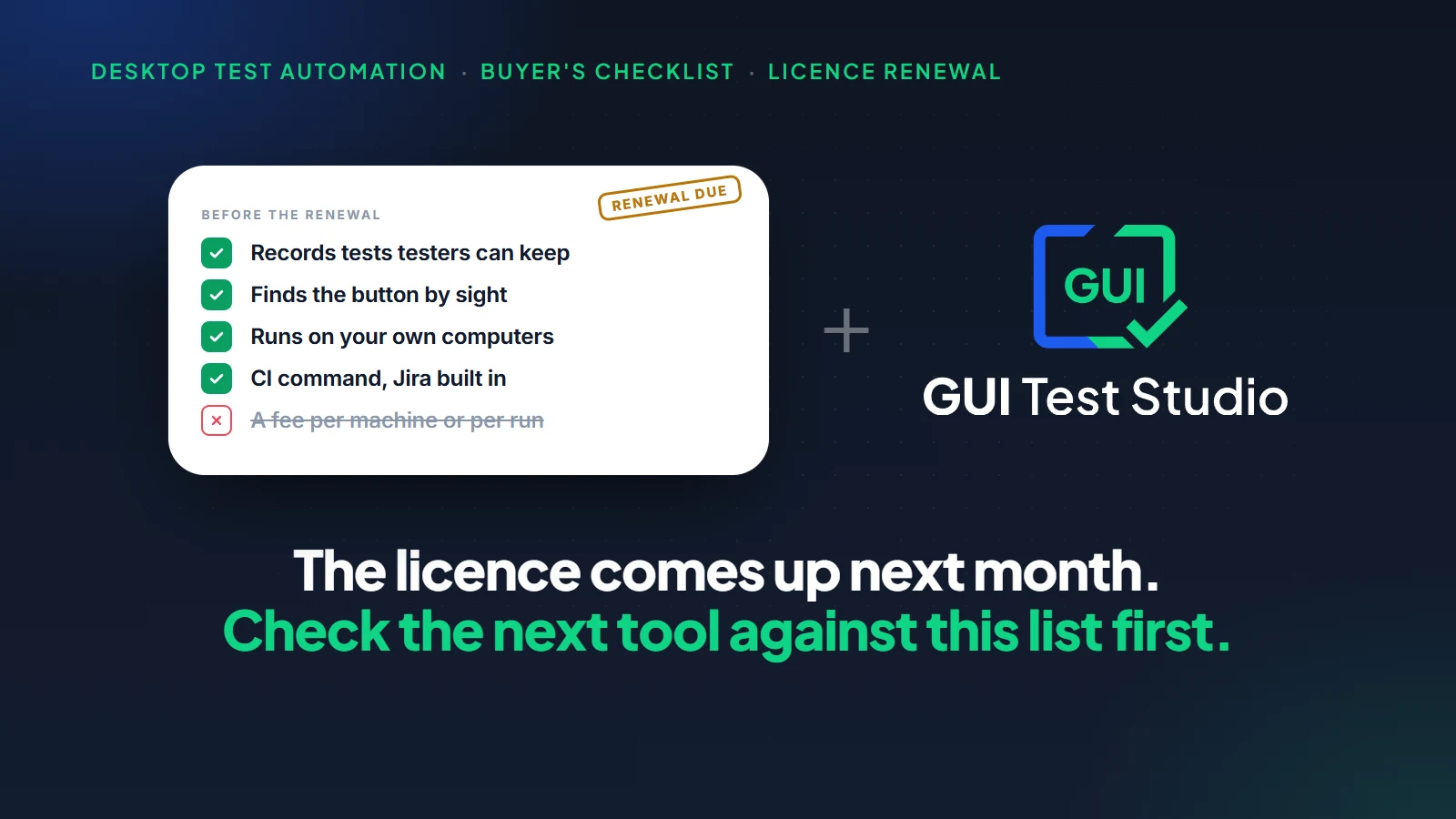
Test automation
TestComplete and Ranorex Alternatives: A Buyer's Checklist for When the Licence Comes Up
11 min read