Self-Healing Tests: When a Test That Fixes Itself Hides a Real Bug
Self-healing tests keep a suite green when the app changes. See how a false heal hides a real bug, and how to keep every change a visible decision.
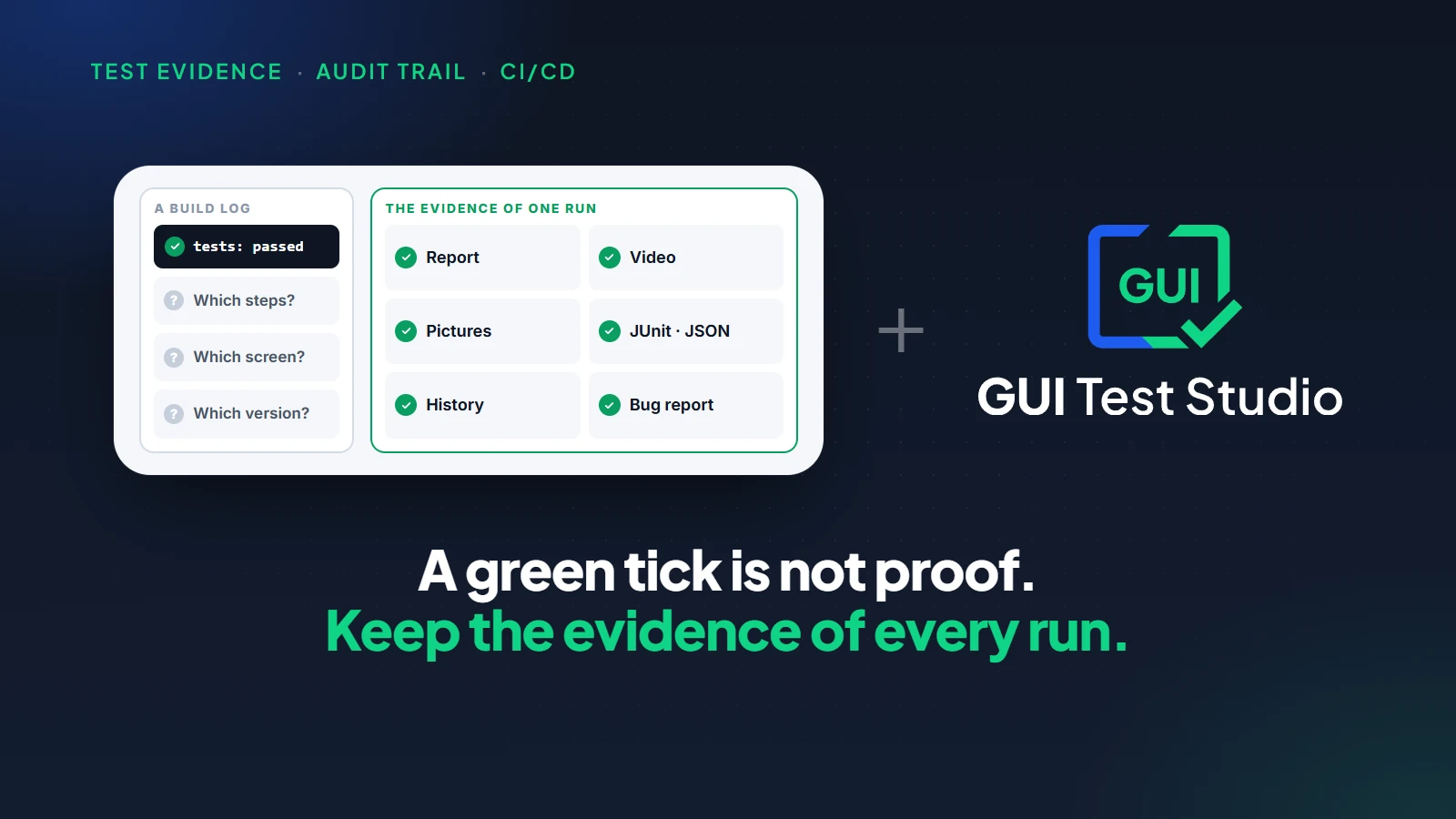
Self-healing tests repair themselves when the app changes: a test that cannot find an element picks a similar one and goes on. That saves upkeep, but a wrong pick passes a broken workflow, and nobody is told.
You know the morning. A new build came in, forty tests are red, and none of them found a bug: each one lost a button it used to find. Self-healing promises to end those mornings. The question is what it does on the day the button is really gone.
What are self-healing tests?
Definition
A self-healing test is an automated test that changes itself when it can no longer find an element.
- The tool looks for the closest match on the screen and uses it instead.
- The run goes on as if nothing had happened.
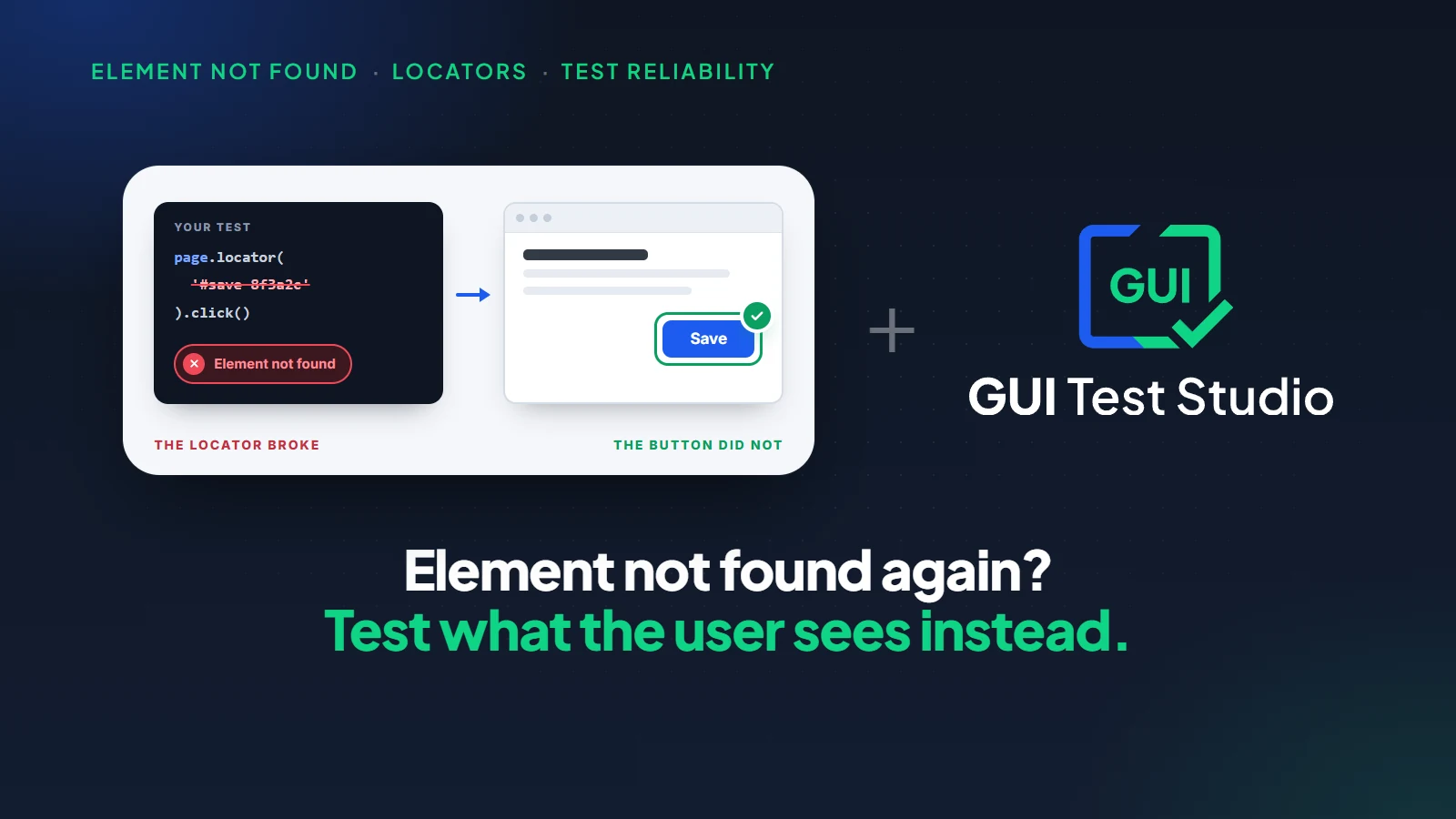
Self-healing test automation exists because of one kind of upkeep. In a coded test, each button, field and link is found through a locator: a line that describes where the element sits in the page or the window. When a developer renames or moves the element, the locator stops matching, and the test fails although the app works.
Why locators break so often is the subject of element not found: when selectors and locators fail.
Why teams want self-healing test automation
Three pains make self-healing attractive.
Red builds that found nothing
A small change of the app turns dozens of tests red, and none of them points at a bug.
Hours of repair
Testers spend their week repairing locators instead of testing the product.
A suite nobody trusts
After enough false alarms, the team stops looking at red tests at all.
The wish behind it is fair. A test should survive a change that no user would notice: a renamed id, a button moved a little, a new wrapper around a form. None of these is a bug, and none should cost a morning.
Tests that fail for no reason have a cost of their own, counted in flaky tests and false positives.
What is a false heal?
Definition
A false heal is a repair that picks the wrong element.
- The test goes on and clicks or checks something that only looks close to what it was made for.
- Then it passes.
The run is green over a workflow that is broken.
Last week
Your order
The test clicks Pay now.
This week
Your order
Pay now is gone. The test heals itself and clicks Pay later.
What the build says
Test passed
What the customer gets
An order that was never paid
By mistake, a release replaces the Pay now button with Pay later. The test cannot find Pay now. Its healing finds a button of the same size in the same place, with a similar name, and clicks it. The order is saved as unpaid, the last step still sees an order page, and the run passes. The first person to notice is a customer.
A failed test costs a few minutes. A false heal removes the one signal the test was there to give.
A false alarm fails for nothing. A false heal passes for nothing, which is worse: nobody opens a green test to check it.
How a test finds an element, and what it expects: two different changes
Not every repair carries the same risk. A test holds two things about each element, and they should not be treated alike.
How the element is found
The user sees the same screen.
The test may follow by itself, and say where it found the element.
What the check expects
The user sees another screen.
The test fails, and a person decides.
| What changed | Example | If the test follows silently |
|---|---|---|
| How the element is found | The button kept its look and its job, but it moved or got another id. | Low risk: the user sees the same screen. |
| What the test expects | The button's words, colour or state changed, or another element took its place. | High risk: this is a decision about your product. |
The rule matters even more when AI writes the code under test, as how to test AI-generated code explains.
Two questions to ask of any self-healing test
Before you rely on a test that repairs itself, ask two questions.
Who is told?
When a test changed itself, who is told, and can they see what it changed from and to?
Who decided?
Who decided that the new version was right: a person who looked at the screen, or the tool alone?
If the honest answers are "nobody" and "the tool", every green run needs a second look, and the time saved is spent again.The same habit of asking before you trust is behind AI testing tools: 7 questions to ask before you choose one.
Fewer breaks to heal: no locator to keep up
GUI Test Studio, which automates end-to-end tests of any app without code, starts from the other end. Nobody writes a locator, so there is none for you to keep up. You record the workflow once, or describe it in a prompt, and every check is about what the user sees.
The GTS Engine + AI finds each element in two ways.
- It asks the app first, through the app's accessibility information.
- When the app says nothing, it finds the element by sight, on the screen.
- A button that moved, a wider window or a list that scrolled is found where it stands now, and the Confidence Report says where.
On a web page, a recorded test keeps several ways to each element.When the first one stops working, the next finds the same element, and the run notes it.How GUI Test Studio finds elements explains both ways.
That second half is why a look-alike does not slip through quietly. If Pay later stands where Pay now stood, the check compares it with the Pay now it expects, and fails.
When the screen really changed: a failure everyone can see
Some changes are real: new words on a button, a new colour, a field that is gone. GUI Test Studio does not decide for you what they mean. The check fails, the run is red, and the Confidence Report opens on what happened.
The report gives you what a decision needs.
- The expected picture stands beside the actual one, and the difference is marked.
- With AI Smart Verification switched on, a sentence says what changed in plain words, such as a button that went from active to disabled.
- The run's video shows the steps that led there.
- The report is saved with the run, so the failure stays on record.
The Confidence Report guide explains everything a run shows, and how to read a test report walks through a failure from the first line to the decision.
Accept the new look or file the bug: a person decides
Check failed: Pay button
Expected
Pay nowActual
Pay laterThe button's words changed from "Pay now" to "Pay later".
Nobody meant it: file the bug
A bug report with the steps and both pictures, as a file or a Jira issue.
It was meant: accept the new look
One click, undoable, then saved into the test.
Look
Expected beside actual
A bug?
File it from the report
On purpose?
Accept the new look
Save
Into the test
- 1
Open the failed check
In the Confidence Report, select the failed check. Its expected picture stands beside the actual one, and the difference is marked.
- 2
Decide: a bug, or a change made on purpose
Ask whether the team meant the screen to look like this. If nobody did, it is a bug.
- 3
A bug: file it from the report
Create a bug report as a PDF or an Excel file, or as a Jira issue. The steps, the pictures and the reason are filled in from the run.
- 4
A change on purpose: accept the new look
Click Accept actual as expected.The new look is pending until you save, and Ctrl+Z takes it back.
- 5
Save
Click Save.The test file is updated, and the next run expects the new look.
After a redesign, many checks fail for the same reason.One sheet lists every failed check with its two pictures: untick the real bugs, and accept the rest together.Update a test after a change shows each window.
A silent heal vs a visible decision
| Question | A silent heal | A visible decision |
|---|---|---|
| What happens when an element changed? | The tool picks a similar element, and the run goes on. | The check fails, and the run says so. |
| Who is told? | Whoever reads the heal log, if someone does. | Everyone who sees the build. The report opens on the failure. |
| Who decides the new version is right? | The tool. | A person who saw expected beside actual. |
| What does a real bug look like? | A green test. | A red test, with both pictures. |
| What is left afterwards? | A green run, and a test that no longer checks what it was made for. | The saved report of the failed run, and the accepted look in the test. |
| What does it cost? | Nothing today, and a missed bug later. | A click per change, or one review for many. |
A test that changes itself between two runs is no longer the same test.Why the same test should give the same answer twice is the subject of repeatable AI testing.
What to know before you start
| Limit | What it means |
|---|---|
| Accepting is a click per change | A person reviews each new look. After a redesign, the sheet of failed checks lets you accept many together. |
| A test checks what it was told to check | A change on a part of the screen that no check looks at is not seen. Add a check where it matters. |
| AI can pass a minor difference | With AI Smart Verification on, a failed check that differs only in ways a user would not notice can be passed. The report says so, and the test file is not changed. |
Key takeaways
- 1Self-healing tests repair themselves by picking a similar element when theirs is not found.
- 2A false heal picks the wrong element: a green test over a broken workflow, and nobody is told.
- 3Two changes, two rules: how an element is found may adapt, what a check expects changes only when a person agrees.
- 4GUI Test Studio has no locator for you to keep up: each element is found through the app's accessibility information first, and by sight when the app says nothing.
- 5A real change fails in plain sight, and a person accepts the new look in one click or files the bug.
Questions
What are self-healing tests?
Self-healing tests are automated tests that change themselves when they can no longer find an element. The tool looks for the closest match on the screen, uses it instead and goes on with the run. The aim is to spare the team the repair of tests after small changes of the app.
What is a false heal in test automation?
A false heal is a repair that picks the wrong element. The test clicks or checks something that only looks close to the element it was made for, and passes. The result is a green test over a workflow that is broken.
Is self-healing test automation safe?
It is safe when it only changes how a test finds an element and tells you each time. It is a risk when it changes what the test expects, or picks another element, without a person looking. Ask who is told when a test changed itself, and who decided the change was right.
Why do automated tests break when the app changes?
Most coded tests find each button and field through a locator, a line that describes where the element sits in the page or the window. When a developer renames or moves the element, the locator stops matching and the test fails, although the app works.
Does GUI Test Studio have self-healing tests?
It needs far less healing, and it keeps the decision with a person. There is no locator for you to write or repair: each element is found through the app's accessibility information first, and by sight when the app says nothing. When the screen really changed, the check fails in the Confidence Report, and you accept the new look in one click or file the bug.
How do I update a test after an intended change?
Open the failed check in the Confidence Report, look at the expected and the actual picture, and click Accept actual as expected. Ctrl+Z takes it back until you click Save. After the save, the test expects the new look.
Can I accept many changes at once after a redesign?
Yes. The Confidence Report lists every failed check with its two pictures on one sheet. You untick the ones that are real bugs and accept the rest together.
Who should decide when a test changes?
A person who has seen what changed. A test states what your team expects of the product, so a change to what it expects is a product decision. A tool can prepare that decision by showing expected beside actual, but it should not take it alone.
Windows and Jira are trademarks of their respective owners.